
Building the Perfect Website for Guest Posting: What You Need to Know
Guest posting is one of the most effective strategies for growing online authority, driving traffic, and improving search engine rankings. However, before you...
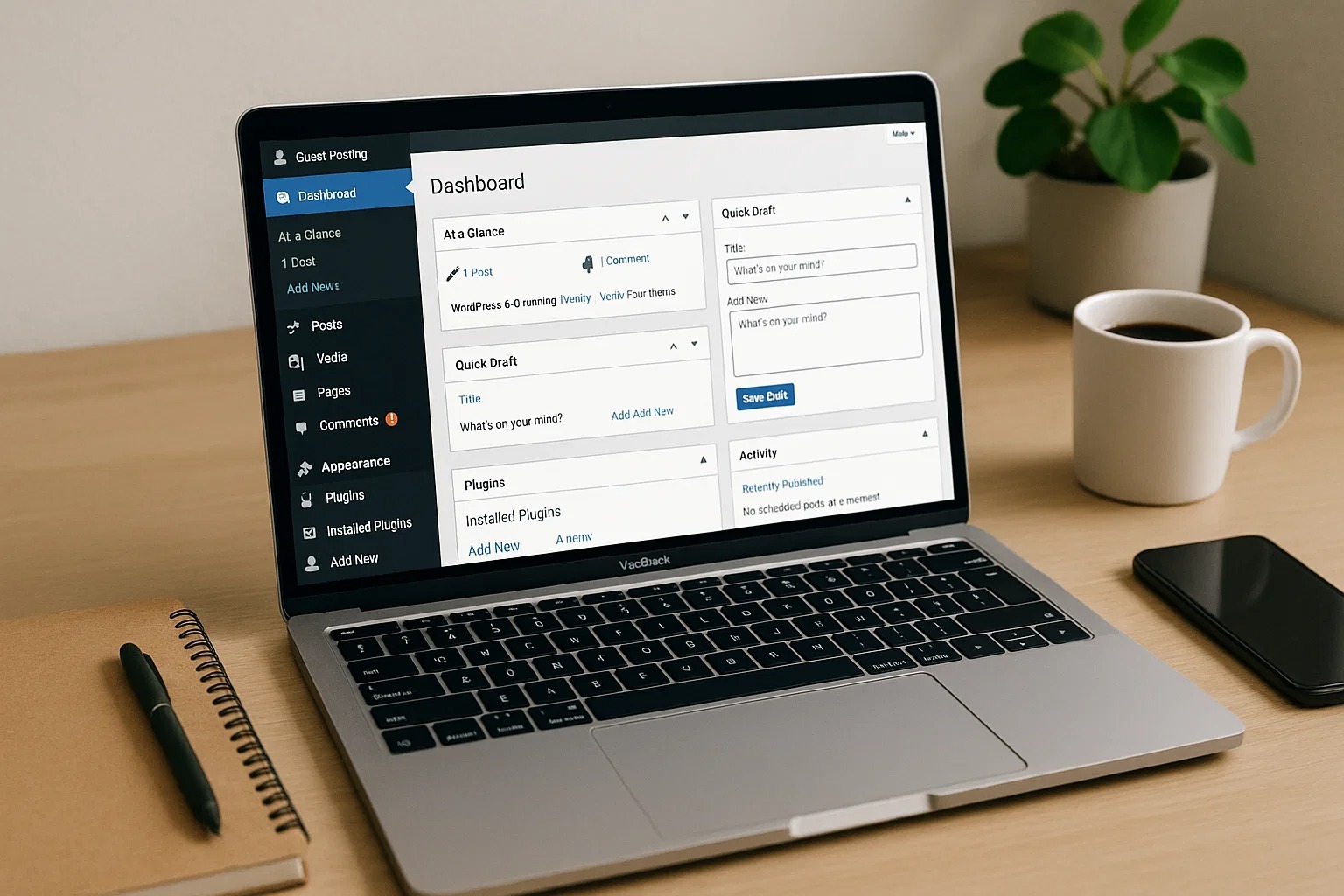
Guest posting is one of the most effective strategies for growing online authority, driving traffic, and improving search engine rankings. However, before you can successfully contribute or monetize guest posts, your website itself must be well-structured, optimized, and professional. For Level 2 students who already understand basic blogging and SEO, building a perfect guest posting website involves strategic planning, optimization, and ongoing management.
This guide will break down everything you need to know, from technical setup to content strategy and monetization, so you can create a website that attracts guest contributors, clients, and traffic.
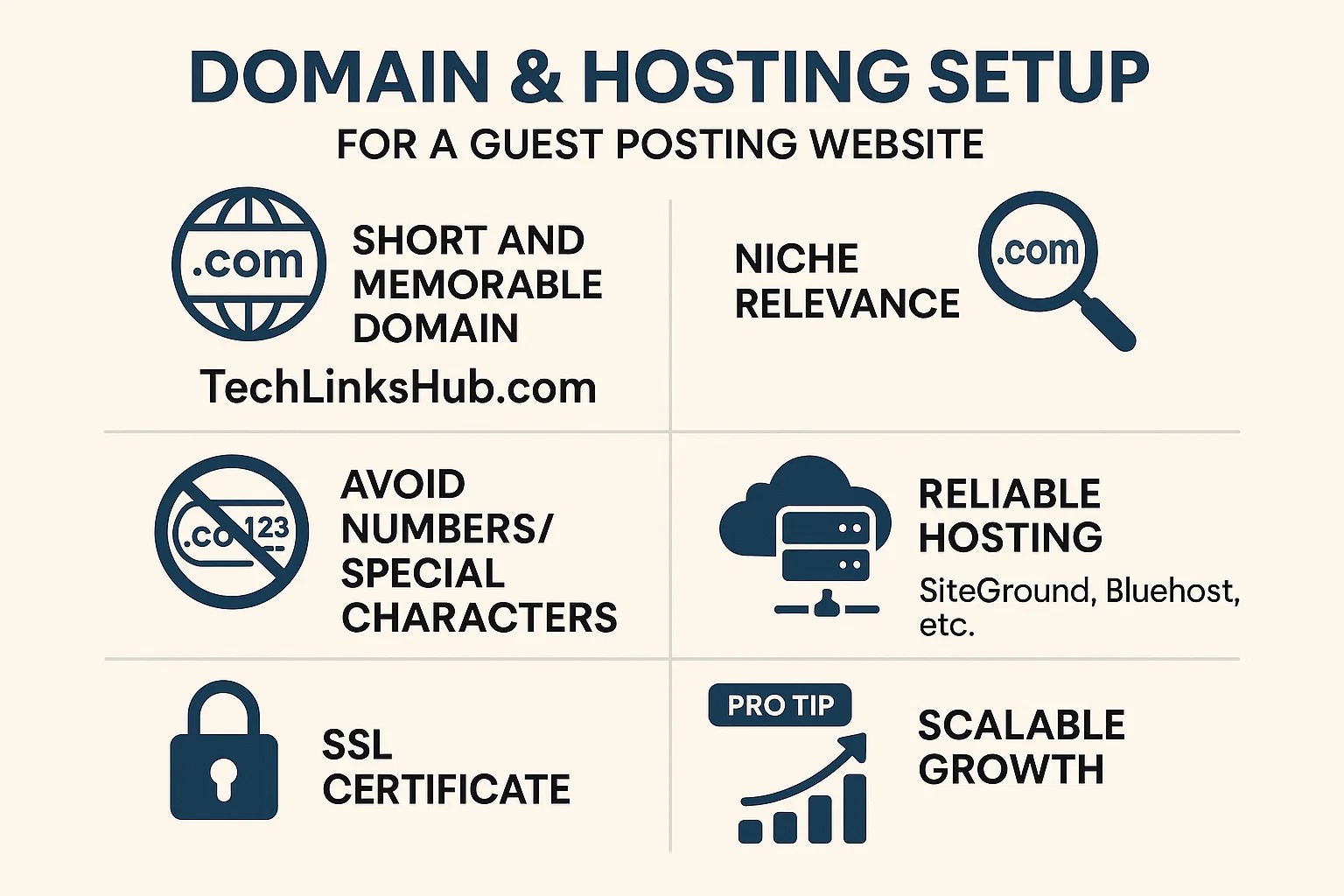
Start with a Strong Foundation: Domain and Hosting
Your website begins with the right domain name and hosting setup.
Domain Name:
Keep it short and memorable: A concise domain helps with branding and recall.
Include niche relevance: For example, if your guest posting site focuses on tech SEO, a domain like TechLinksHub.com is ideal.
Avoid numbers or special characters: Simplicity is key for trustworthiness.
Hosting:
Choose a reliable hosting provider: Go for providers like SiteGround, Bluehost, or Cloudways that offer high uptime, fast load speeds, and security.
Prioritize speed: Page speed is crucial for SEO and user experience.
SSL certificate: HTTPS is mandatory for Google ranking and building trust with visitors.
Pro Tip: Use domain and hosting combinations that allow scaling, in case your guest posting site grows in traffic or contributors.
Install a Content Management System (CMS)
Most guest posting websites are built on a CMS because it simplifies content management and website functionality. WordPress is the most widely recommended CMS due to:
Flexibility: Thousands of plugins for SEO, analytics, and monetization.
Ease of use: Beginner-friendly interface for content creation and editing.
Scalability: Can handle small or large sites efficiently.
After installing WordPress:
Use a responsive, lightweight theme optimized for speed and SEO
Remove unnecessary plugins to reduce website load time.
Set up basic pages like About, Contact, and Privacy Policy for credibility.
Optimize Your Website for Guest Posting
A guest posting website must be appealing not only to your audience but also to potential contributors or clients.
Essential Pages:
Home Page: Clear, visually appealing, and explains your site’s niche and authority.
submissionGuest Post Guidelines: Explain rules, content standards, word count, and topics.
Pricing Page (if monetized): Clearly state rates for sponsored posts or paid guest contributions.
About Page: Establish credibility with your expertise, experience, or niche knowledge.
Contact Page: Simple form for submissions, inquiries, and collaborations.
SEO Optimization:
Install SEO plugins like Yoast or RankMath.
Optimize meta titles, descriptions, and header tags for each page.
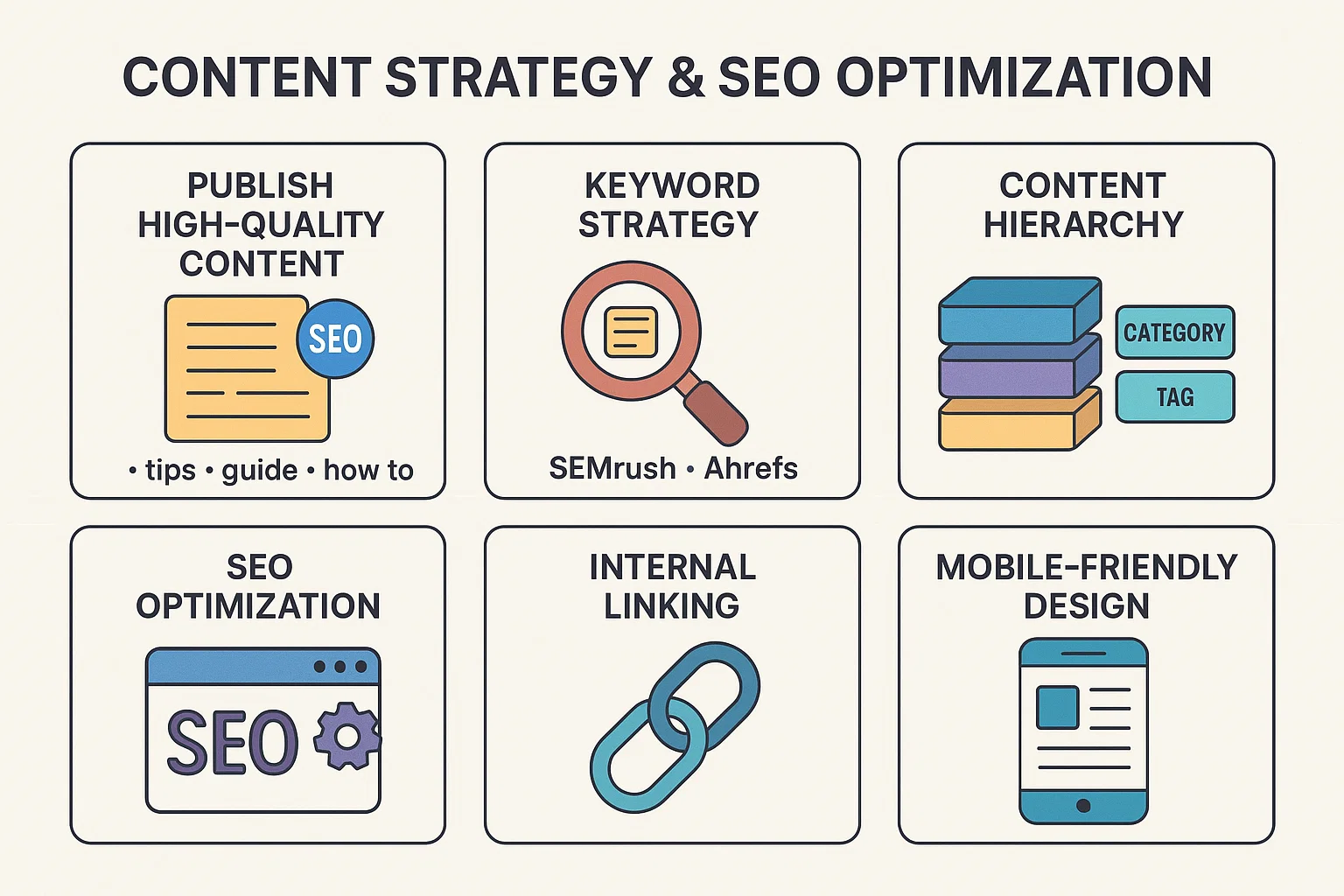
Use internal linking to guide readers and distribute link equity.
Ensure images are optimized for size and include alt text for SEO.
Mobile-Friendly Design:
Over 60% of web traffic is mobile. Ensure your site is responsive across devices and screen sizes.
Content Strategy for Guest Posting
Your website must demonstrate value and authority to attract quality guest posts.
Publish High-Quality Content:
Create at least 10–20 cornerstone articles in your niche before accepting guest posts.
Use long-form, actionable, and original content that ranks for relevant keywords.
Include visual aids like infographics or images to improve engagement.
Keyword Strategy:
Conduct keyword research to target search terms relevant to your niche.
Use tools like SEMrush, Ahrefs, or Google Keyword Planner to find high-traffic, low-competition keywords.
Content Hierarchy:
Categorize posts into main topics for easy navigation.
Use tags to organize related content and improve internal linking.
Pro Tip: High-quality, authoritative content increases the trustworthiness of your site for both search engines and guest contributors.
Website Speed and Performance
A slow website reduces user experience and can harm SEO.
Optimize for Performance:
Use a caching plugin like WP Rocket or W3 Total Cache.
Compress images using Smush or ShortPixel.
Enable CDN (Content Delivery Network) for faster global load times.
Regularly check website speed using PageSpeed Insights or GTmetrix.
Hosting and Database:
Choose a hosting plan with adequate server resources.
Optimize database tables periodically to prevent bloat.
Security and Backup
Security is critical when accepting guest contributions or managing monetized content.
Install security plugins like Wordfence or Sucuri.
Enable SSL to encrypt data.
Regularly backup your website using plugins like UpdraftPlus or BackupBuddy.
Use strong passwords for all admin accounts.
Pro Tip: If your site is hacked, you may lose traffic, credibility, and client trust. Security is non-negotiable.
Monetization and Guest Post Management
Once your site is ready, you can start monetizing it through guest posts:
Paid Guest Posts:
Offer packages based on DA/DR, niche relevance, and post placement.
Clearly define terms, anchor text guidelines, and publishing schedule.
Free Guest Posts:
Accept guest posts in exchange for SEO value, backlinks, or exposure.
Maintain quality control by reviewing submissions thoroughly.
Tools for Management:
Email & CRM: Manage contributors with Gmail, Snov.io, or Pipedrive.
Spreadsheets: Track submissions, approvals, and publishing dates.
Editorial Calendar: Tools like Trello or Asana help schedule posts and deadlines.
Promoting Your Website
A well-built site still needs visibility to attract guest posters and traffic:
Share your content on social media platforms.
Engage in relevant online communities and forums.
Collaborate with other bloggers or websites for link-building.
Optimize for local or niche-specific SEO to attract targeted visitors.
Analytics and Tracking
To measure success and optimize, use analytics tools:
Google Analytics: Track traffic, referral sources, and user behavior.
Google Search Console: Monitor indexing, keyword rankings, and site health.
Matomo (optional): Privacy-focused alternative for detailed analytics.
Track metrics like:
Monthly visitors from guest posts
Leads or conversions from your content
Pages with highest engagement and backlink potential
Conclusion
Building the perfect website for guest posting is not just about design—it’s about authority, SEO, usability, and monetization readiness. Level 2 students must focus on:
Choosing the right domain and hosting
Setting up WordPress with optimized themes and plugins
Creating high-quality, structured content
Implementing SEO and performance best practices
Managing guest posts and contributors efficiently
By following this comprehensive guide, your website will be well-positioned to attract guest posts, increase traffic, and generate income. With consistent optimization, strategic content, and proper tools, you can build a professional guest posting website that scales over time