
Introduction to Content Tools: SurferSEO, RankWriter, ChatGPT
If you’re starting to dive deeper into guest posting and content creation, you’ll quickly realize that writing alone isn’t enough. To rank posts, optimize...
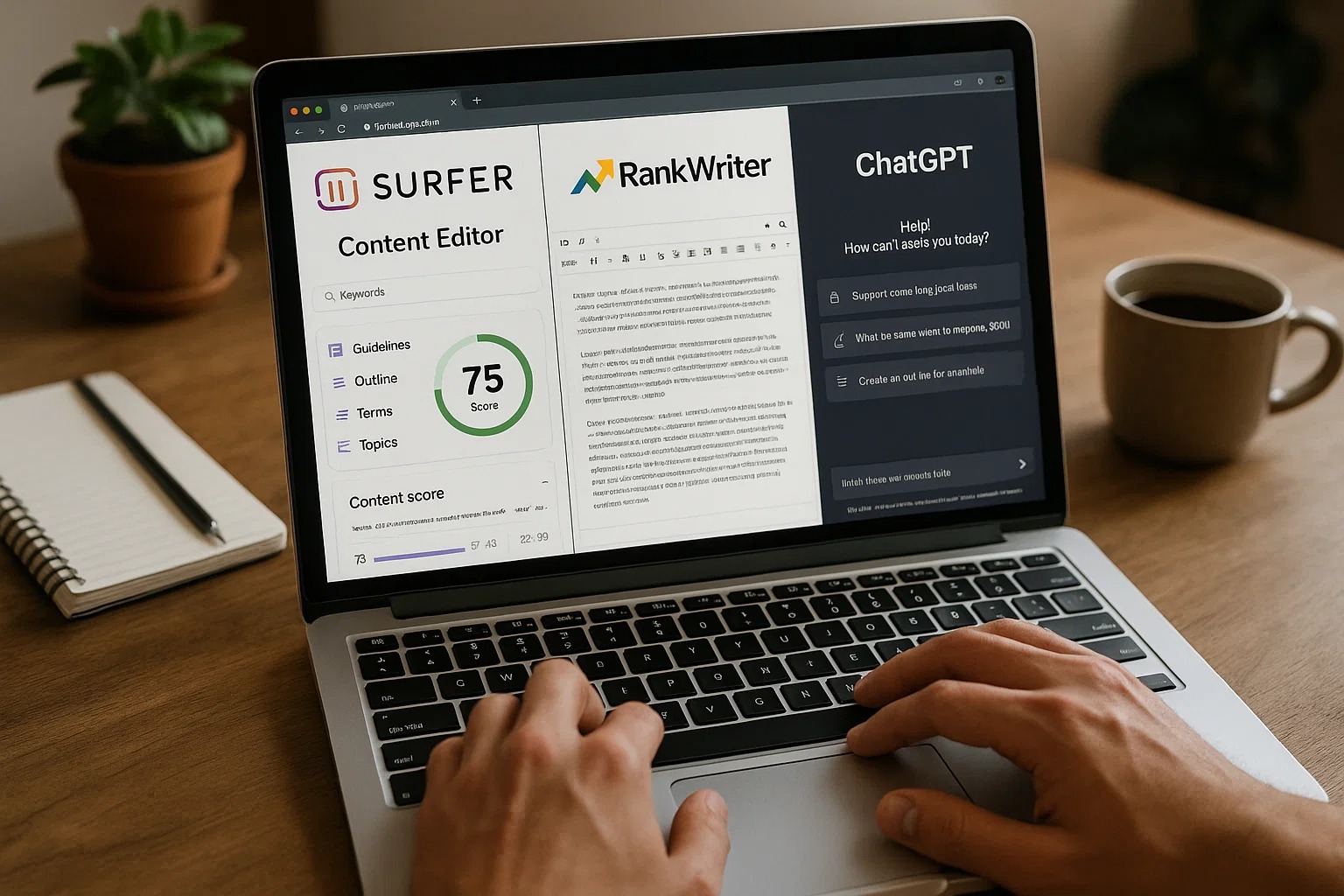
If you’re starting to dive deeper into guest posting and content creation, you’ll quickly realize that writing alone isn’t enough. To rank posts, optimize content, and create high-quality articles efficiently, you need the right content tools. In this guide, we’ll explain three essential tools—SurferSEO, RankWriter, and ChatGPT—and how beginners can use them to improve their guest posting game.
Why Content Tools Matter
Content tools are like your digital assistants—they help you:
Save time: Tools speed up research, writing, and editing.
Optimize for SEO: They help you create posts that can rank on Google.
Improve quality: They check grammar, readability, and structure.
Analyze competitors: They show what works in your niche.
Without these tools, even a well-written post might not perform well or get approved on high-authority websites.
1. SurferSEO – Optimize Content Like a Pro
SurferSEO is one of the most popular tools for content optimization. It helps you write content that can rank on Google by analyzing what competitors are doing.
How it Works:
You enter your target keyword (e.g., “Guest Posting Tips”).
SurferSEO analyzes the top-ranking articles for that keyword.
It gives suggestions for:
Word count
Keywords to include (primary & related)
Heading structure
Content gaps
Why Beginners Should Use It:
It removes guesswork—no more wondering what Google wants.
Shows the perfect balance of keywords and content length.
Provides real-time optimization scores while writing.
Pro Tip: Always aim for a SurferSEO score above 80% for better chances of ranking
2. RankWriter – Create SEO-Friendly Content Easily
RankWriter is an AI-powered content tool designed specifically for writing SEO-friendly posts. Unlike generic AI tools, it focuses on keyword intent and search engine optimization.
Key Features:
Content Outline: Generates a ready-to-use outline based on your keyword.
SEO Recommendations: Suggests headings, meta descriptions, and FAQs.
Plagiarism Check: Ensures content is original.
Content Editor: Helps you write content directly inside the tool with AI suggestions.
Why It’s Great for Beginners:
You don’t need advanced SEO knowledge—RankWriter guides you step by step.
Helps structure content so it’s easier to get approved by guest posting sites.
Saves hours of manual research and drafting.
How to Use Rank Writer Pro
Rank Writer Pro helps you create high-quality AI content in just a few steps. It’s simple, fast, and perfect for blogs, product pages, or social media.
Choose Content Category – Pick what you want to create (Blog, Product, Social Post, etc.)
Select Content Type – Choose the format (SEO Blog, Meta Description, etc.)
AI Model – Use GPT-4o Turbo for top-quality writing.
AI Settings – Adjust creativity (Low, Medium, High) as per your tone.
Generate – Enter your topic or keywords and hit Generate to create content.
History – Access your previously created content anytime.
Clear All – Reset to start a new project easily.
Pro Tip: Combine RankWriter with SurferSEO to get both content quality and ranking optimization.
3. ChatGPT – Generate Ideas, Drafts, and Improve Content
ChatGPT is an AI tool that can help with multiple stages of guest posting, from brainstorming ideas to drafting entire posts.
Ways to Use ChatGPT:
Idea Generation: Ask ChatGPT for blog topics in your niche.
Example: “Give me 5 blog topics about guest posting for beginners.”
Draft Writing: Generate first drafts quickly.
Example: “Write a 500-word blog post on how to find guest posting sites.”
Editing & Improving: Improve readability, grammar, and tone.
Example: “Rewrite this paragraph to make it more engaging for beginners.”
Meta Descriptions & Titles: Generate SEO-friendly titles and meta descriptions for posts.
Why Beginners Should Use It:
Reduces writer’s block.
Helps beginners create structured content without starting from scratch.
Can speed up the guest posting process significantly.
Pro Tip: Always edit AI-generated content. Don’t rely on it blindly—personal touch and accuracy matter.
How to Use All Three Tools Together
To maximize efficiency, combine these tools in a workflow:
Research & Plan: Use ChatGPT to brainstorm blog ideas and create an outline.
Optimize for SEO: Use SurferSEO to ensure your content matches top-ranking articles.
Draft & Refine: Use RankWriter to structure the post, optimize headings, and check keyword usage.
Final Editing: Use ChatGPT for tone, grammar, and readability improvements.
Example Workflow for Guest Posting:
Step 1: ChatGPT → Blog topic and outline
Step 2: SurferSEO → Optimize keyword usage & content length
Step 3: RankWriter → Draft SEO-friendly article
Step 4: ChatGPT → Edit, polish, and make content beginner-friendly
This workflow ensures your guest post is high-quality, readable, and optimized for both approval and SEO.
Tips for Beginners Using These Tools
Start small: Don’t try to master everything at once. Begin with one tool, then gradually add others.
Focus on learning: Understand why the tool suggests certain keywords, headings, or content changes.
Always review manually: Tools assist you, but human review ensures accuracy and authenticity.
Track results: Use Google Analytics or SurferSEO’s tracking features to see how your content performs.
Conclusion
For Level 2 students, mastering content tools is a critical step to becoming a successful guest poster. SurferSEO, RankWriter, and ChatGPT can make the entire process faster, smarter, and more effective.
Remember: these tools are helpers, not replacements. Your insights, creativity, and personal touch make your guest posts unique and valuable. Start experimenting with these tools, follow the workflow, and you’ll see higher approval rates, better rankings, and more opportunities to grow your online presence.
If you want, I can also create a practical “Tool Setup & Usage Checklist” for Level 2 students so they can start using these three tools step by step without feeling overwhelmed.