Technical SEO Foundations — Site Speed and Core Web Vitals
Technical SEO is the foundation of website performance and crawlability. Learn how technical SEO, Core Web Vitals, and site structure impact rankings.
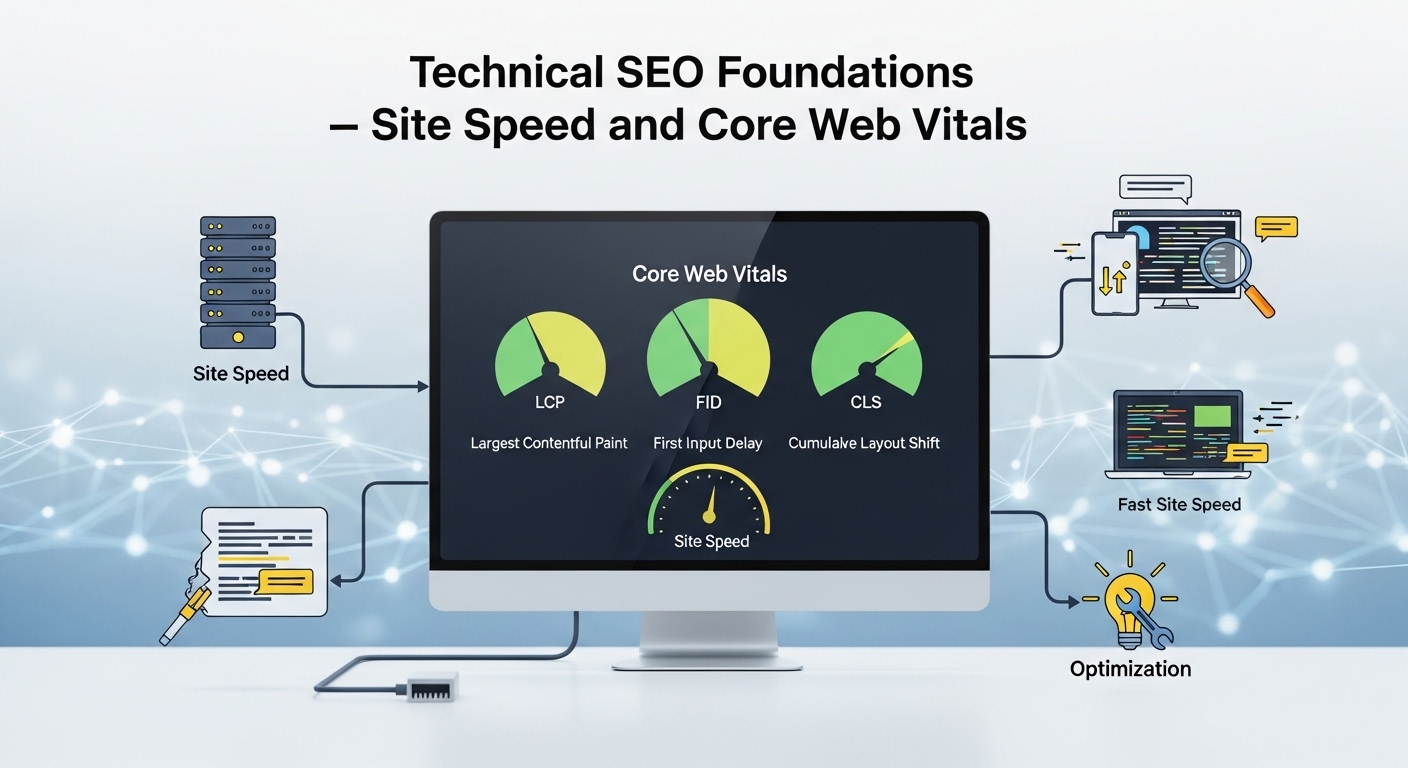
Technical SEO is the infrastructure layer of search engine optimisation. You can have perfect content, strong backlinks, and excellent keyword targeting — but if Google cannot efficiently crawl your site, cannot properly render your pages, or if your pages load slowly enough to frustrate users, all that effort is undermined. Technical issues are silent ranking killers. This lesson covers every critical technical element, with specific fixes for the most common problems.
Core Web Vitals — Google's Official Page Experience Metrics
Core Web Vitals are Google's standardised metrics for measuring real-world user experience. They became official ranking signals in 2021 and were updated in 2024 with a new metric replacing the old FID measure. Sites with Good CWV scores have a competitive advantage — Google explicitly uses these signals as a tiebreaker when other quality signals are equal.
|
Metric |
What It Measures |
Good Threshold |
Poor Threshold |
|
LCP — Largest Contentful Paint |
Loading speed — how fast the largest visible element renders |
Under 2.5 seconds |
Over 4.0 seconds |
|
INP — Interaction to Next Paint |
Responsiveness — how fast the page responds to any user interaction |
Under 200ms |
Over 500ms |
|
CLS — Cumulative Layout Shift |
Visual stability — how much the page content moves around while loading |
Under 0.1 |
Over 0.25 |
Fixing LCP (Largest Contentful Paint)
LCP measures how long it takes for the largest visible element on the page — typically a hero image or main heading — to finish rendering. The five most impactful LCP improvements:
1. Optimise and preload the LCP image. Identify your LCP element using Chrome DevTools or PageSpeed Insights. Compress the image to WebP format under 100KB. Add fetchpriority="high" to the image tag. Add a preload link in your page head to load it before any other resources.
2. Reduce Time to First Byte (TTFB). TTFB is the time your server takes to respond to the browser's first request. Every millisecond here delays everything that follows. Implement server-side caching, use a CDN, and upgrade hosting if your server response is consistently above 600ms.
3. Eliminate render-blocking resources. CSS and JavaScript that must be processed before the browser can display anything delays LCP. Move critical CSS inline and defer all non-critical JavaScript with the defer or async attribute.
4. Lazy-load images below the fold. Add loading="lazy" to all images that are not visible in the first viewport. This prevents the browser from downloading images the user has not scrolled to yet, freeing bandwidth for the critical LCP image.
5. Serve images from a CDN. A Content Delivery Network serves your images from servers geographically close to each visitor, dramatically reducing image load times for global audiences.
Fixing INP (Interaction to Next Paint)
INP replaced FID in March 2024. It measures how quickly your page responds to any user interaction — clicking, tapping, typing — throughout the entire page session. Poor INP is almost always caused by heavy JavaScript blocking the main browser thread.
• Identify heavy JavaScript. Use Chrome DevTools → Performance tab → look for Long Tasks (tasks taking over 50ms). These are your INP culprits.
• Audit third-party scripts. Analytics, chat widgets, social embeds, and advertising scripts are frequent INP killers. Load them with defer or trigger them only after user interaction.
• Reduce DOM size. Target under 1,500 total DOM nodes. Excessively large DOMs slow all JavaScript interactions across the entire page session.
• Break up long tasks. Use scheduler.yield() or setTimeout to split long JavaScript tasks into smaller chunks, giving the browser time to respond to user input between chunks.
Fixing CLS (Cumulative Layout Shift)
|
Common CLS Cause |
Fix |
|
Images without width and height attributes |
Add explicit width and height to all img tags. This reserves space before the image loads. |
|
Ads or embeds without reserved space |
Set explicit min-height on ad containers before the ad content loads. |
|
Web fonts causing text reflow |
Use font-display: swap and preload your critical fonts in the page head. |
|
Content injected above existing content |
Cookie banners and chat widgets — position them fixed at the bottom or reserve space at the top. |
|
Dynamic content inserted after page load |
Reserve space for any content that loads after the initial render using min-height on containers. |
HTTPS — Required for Trust and Rankings
HTTPS encrypts data between your server and visitors. It is both a confirmed Google ranking signal and a baseline trust requirement. Sites without HTTPS are flagged as "Not Secure" by Chrome — immediately damaging user trust and increasing bounce rates regardless of content quality.
After migrating to HTTPS: implement HSTS headers, verify all internal links use HTTPS URLs, fix any mixed content (pages loading some resources over HTTP while the page itself is HTTPS), and ensure your canonical tags and XML sitemap reference HTTPS URLs exclusively.
XML Sitemaps — Your Communication Channel With Google
An XML sitemap lists all the URLs you want Google to crawl and index, with metadata about when each was last updated. Without a sitemap, Google discovers pages only by following links — which may miss content that is not well-linked internally.
• Include only canonical, indexable URLs — never include noindex pages, redirect URLs, or 404 error pages
• Submit your sitemap to Google Search Console (Indexing → Sitemaps) and monitor the Submitted vs. Indexed ratio weekly
• Update the lastmod date when content changes substantially — Google uses this to prioritise recrawling
• For large sites, use a sitemap index file that references multiple smaller sitemaps organised by content type
One of the most important but often ignored aspects of technical SEO is crawl efficiency. Crawl efficiency refers to how effectively search engine bots like Googlebot can navigate your website, discover new content, and re-crawl updated pages without wasting resources. Even if your site has a sitemap and internal links, poor crawl efficiency can still limit how much of your content gets indexed and how frequently it gets updated in search results.
Large websites especially face crawl budget issues, where Google allocates a limited number of pages it will crawl within a specific timeframe. If your site has unnecessary URLs, duplicate pages, broken links, or low-value pages, Google may waste crawl budget on these instead of your important content. This can delay indexing of new pages and reduce ranking potential. Fixing this requires a combination of proper URL structure, canonical tags, and controlling indexation through robots directives and noindex tags where necessary.
Another critical factor is log file analysis, which is often used in advanced technical SEO audits. Server log files show exactly how search engine bots are interacting with your website — which pages they visit, how often they return, and where they stop crawling. By analyzing this data, you can identify orphaned sections, wasted crawl budget, and important pages that are not being visited frequently enough. This insight allows you to adjust your internal linking and sitemap strategy for better crawl distribution.
Finally, technical SEO is not a one-time fix but an ongoing process. As your website grows, new technical issues will naturally appear — whether from plugins, content updates, or structural changes. Regular technical audits ensure that your site remains fast, accessible, and fully indexable. Websites that consistently maintain strong technical health tend to outperform competitors even when content quality is similar.
Robots.txt — Controlling What Google Crawls
The robots.txt file at yourdomain.com/robots.txt tells crawlers which parts of your site they can and cannot access. It is one of the simplest files in your site's infrastructure and one of the most dangerous to get wrong. Accidentally blocking your entire site is responsible for some of the most catastrophic SEO disasters on record.
|
⚠️ COMMON MISTAKE |
|
Common robots.txt disasters: using "Disallow: /" which blocks everything (a common staging site error accidentally pushed to production), blocking CSS and JavaScript files Google needs to render your pages, and blocking important paginated content. Always test every robots.txt change in Google Search Console (Settings → robots.txt Tester) before deploying to production. |
Canonical Tags — Preventing Duplicate Content
A canonical tag in your page's HTML tells Google which URL is the official version when multiple URLs serve the same or very similar content. This is essential for pages accessible with and without trailing slashes, HTTP and HTTPS versions of the same page, product pages with filter parameters, and paginated content.
Every page should have a self-referencing canonical tag pointing to its own preferred URL. This is a simple but frequently missing element — and one that RankAudit checks across your entire site automatically in a single crawl.
✓ Key Takeaways
✓ Core Web Vitals (LCP < 2.5s, INP < 200ms, CLS < 0.1) are official ranking signals — sites with Good scores have a competitive advantage when other signals are equal.
✓ Fix LCP by optimising and preloading the hero image, reducing server response time (TTFB), and deferring all non-critical JavaScript.
✓ Poor INP is almost always caused by heavy JavaScript. Audit third-party scripts — analytics, chat widgets, and ads are the most common culprits.
✓ Fix CLS by adding width and height to all images, reserving space for ads, and preloading web fonts with font-display: swap.
✓ HTTPS is required. After migrating: fix all mixed content, update internal links, and ensure canonicals and sitemaps reference HTTPS URLs.
✓ XML sitemaps should contain only canonical, indexable URLs. Monitor the Submitted vs. Indexed ratio in GSC to catch indexation problems.
✓ Test every robots.txt change before deploying —
accidental blocks on important pages can cause catastrophic, instant ranking
drops.