
Diagnosis and Testing
Ctr Optimisation More Clicks Without Higher Rankings
Improving click-through rate at an existing ranking position is one of the fastest wins available in SEO, since it needs no ranking improvement at all — just a better reason to click.
Want to earn a Rankar Academy certificate?
This lesson is free to read in full, with nothing to sign up for. Join the Academy to track your learning, complete courses and sit the certification assessment.
Join the Academy →Performance model
Analytics & Optimisation · Diagnosis and Testing
Stage 1
Finding CTR Opportunities
Stage 2
What Actually Moves CTR
Stage 3
Testing CTR Changes Properly

Finding CTR Opportunities

Filter Search Console's Performance report to pages ranking positions 1-10 and sort by impressions descending, then compare each page's actual CTR against typical CTR benchmarks for its position — a page ranking position 3 with a CTR well below what similar position-3 pages typically achieve is leaving clicks on the table purely through a weak title and description, independent of ranking.
Prioritise high-impression, below-benchmark-CTR pages first, since the potential click gain scales directly with impression volume — fixing CTR on a page with 50,000 monthly impressions matters far more than the same percentage-point gain on a page with 500.
What Actually Moves CTR
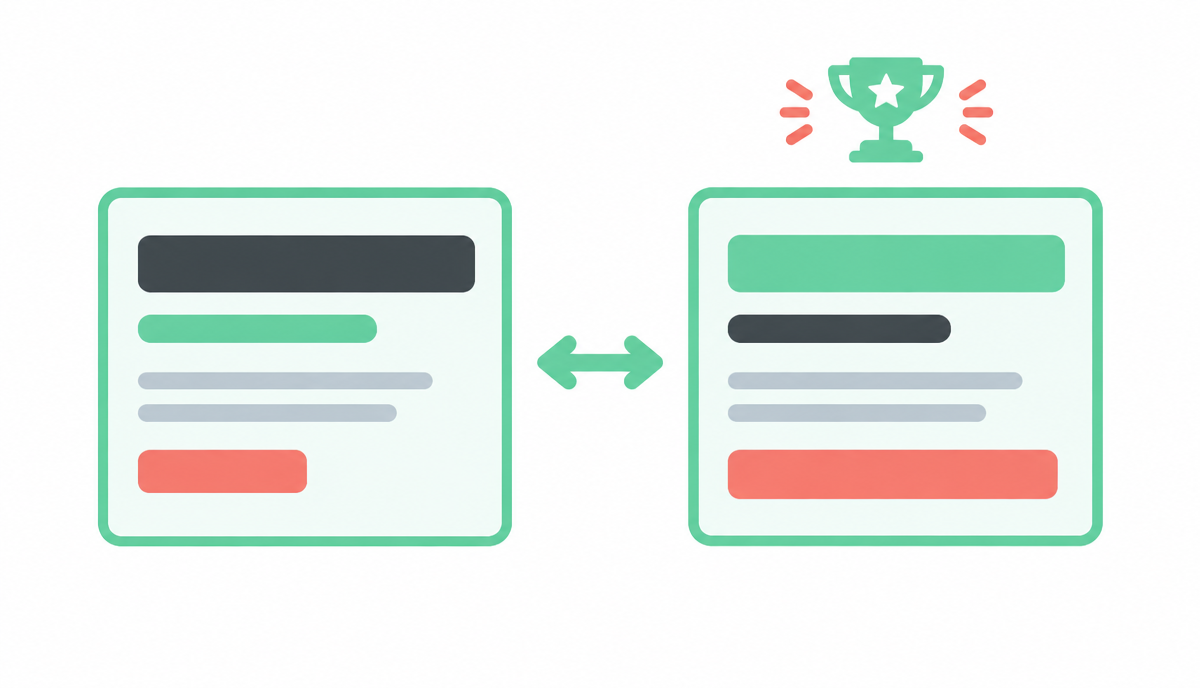
Title tags that include a specific, concrete detail (a number, a year, a distinguishing feature) generally outperform vague titles, because they give the searcher a specific reason to expect this result answers their query better than the others on the page. Meta descriptions function as ad copy, not a ranking factor — write them to directly address the likely search intent and include a soft call to action, since Google sometimes overrides them anyway but a well-written one improves the odds it's used as written.
Rich results (schema-driven star ratings, FAQ accordions, sitelinks) draw the eye and can lift CTR independent of position, as covered earlier for e-commerce — the same principle applies broadly, so check whether your page is eligible for any structured data type relevant to its content that it isn't currently using.
Include a specific, concrete detail in the title tag (number, year, distinguishing fact)
Write meta descriptions as ad copy addressing intent directly, with a soft call to action
Check for unused schema opportunities (FAQ, review, HowTo) relevant to the page
Avoid title tag truncation — keep to roughly 55-60 characters for full display
Match title/description tone to the query's actual intent, not a generic template
Testing CTR Changes Properly
Apply the same test-and-control discipline from earlier in this module: change titles and descriptions on a test group of comparable low-CTR pages, leave a control group untouched, and compare CTR change between the groups over 3-4 weeks — CTR can be measured faster than ranking changes since it doesn't require Google to recrawl and re-rank the page, only to serve the updated snippet.
Watch for cases where a CTR improvement coincides with a small ranking movement too — a better title can occasionally improve relevance signals slightly as well as appeal, so don't assume the two are always fully separate effects.
Tracking CTR in RankTracker
Use RankTracker's Search Console integration to monitor CTR trend by keyword group alongside position, and flag any keyword group where CTR sits meaningfully below the typical benchmark for its position band as a candidate for the next title/description testing round.
Why this lesson matters
Neglecting CTR optimisation means leaving significant organic traffic on the table, even if your ranking positions remain static. Consider a scenario where your page consistently ranks 5th for a high-volume keyword, averaging a 3% CTR. If, through strategic meta description and title tag improvements, you elevate that to a 5% CTR, you've effectively gained 66% more clicks from the same ranking. This immediate uplift translates directly into more website visitors, more potential leads, and ultimately, more conversions without investing in complex link building or content expansion efforts to improve rank. It's one of the most efficient levers to pull in SEO for quick, tangible results.
Conversely, a poor CTR can indicate a mismatch between your content and user intent, or simply that your SERP snippet is unappealing compared to competitors. Google's algorithms are increasingly sophisticated; while not a direct ranking factor in the traditional sense, a consistently low CTR for a given position can signal to the search engine that users find other results more relevant or trustworthy. Over time, this negative user signal *can* indirectly contribute to a stagnation or even decline in ranking, as Google seeks to provide the most useful results. Prioritising CTR optimisation is therefore both a short-term traffic gain and a long-term ranking safeguard.
Diagnosing Underperforming SERP Snippets
A common pitfall in CTR optimisation is making changes without a clear understanding of *why* the current snippet is underperforming. Before crafting new title tags or meta descriptions, a forensic review of competitor snippets ranking higher or holding similar positions, but with demonstrably better CTRs, is crucial. Analyse their use of power words, emotional triggers, calls to action, schema mark-up (e.g., star ratings, prices), and how they summarise their content value proposition. Look beyond individual elements; evaluate the entire snippet's ability to create a compelling reason to click, addressing the user's explicit query and implied need.
Furthermore, consider the search intent for the specific keyword. Is it informational, navigational, transactional, or commercial investigation? An informational query might respond well to snippets promising 'answers' or 'guides', while a transactional query needs a clear value proposition, such as 'best deals' or 'free shipping'. A snippet that perfectly addresses the *wrong* intent will still underperform. Cross-reference your current snippet's message with the dominant intent of top-ranking results, and identify any misalignments. This diagnostic step ensures your optimisation efforts are targeted and not merely guesswork.
Key diagnostic questions include:
Does the snippet accurately convey the page's unique value?
Do competitors use schema that we are missing?
Is the call-to-action clear and relevant to the query?
Does the snippet stand out visually or semantically?
Do it now
Select three keywords from your RankTracker project where your page ranks between positions 4 and 7, and has a CTR significantly below the average for those positions (e.g., 2-3% lower). Analyse the current SERP snippets for these three keywords, specifically comparing your snippet against those ranking directly above and below you. Identify at least one specific element (e.g., missing numbers, lack of a clear benefit, poor use of a power word) in your snippet that you believe contributes to its underperformance.
Open your RankTracker project and navigate to your keywords.
Filter for keywords ranking in positions 4-7 with CTRs below 5% (or your established baseline).
Choose three distinct keywords from this filtered list.
For each chosen keyword, perform a manual Google search and compare your SERP snippet against top competitors.
Key takeaways
Prioritise CTR fixes on high-impression pages with below-benchmark CTR first
Use specific, concrete details in titles rather than generic phrasing
Write meta descriptions as ad copy targeting the query's real intent
Test title/description changes with a control group over 3-4 weeks
Monitor CTR by keyword group against position benchmarks in RankTracker
Create a project, add keywords page by page, read positions, SERP features, share of voice and competitor gaps.