
Planning and Briefing
Content Structure How to Organise for Scanability and Rankin
Readers scan before they read, and search engines parse heading structure to understand a page. This lesson covers the structural habits that serve both audiences.
Want to earn a Rankar Academy certificate?
This lesson is free to read in full, with nothing to sign up for. Join the Academy to track your learning, complete courses and sit the certification assessment.
Join the Academy →Performance model
Content Strategy & Creation · Planning and Briefing
Stage 1
Writing for the scanning reader
Stage 2
Heading hierarchy for search engines
Stage 3
Formatting elements that improve dwell
Writing for the scanning reader
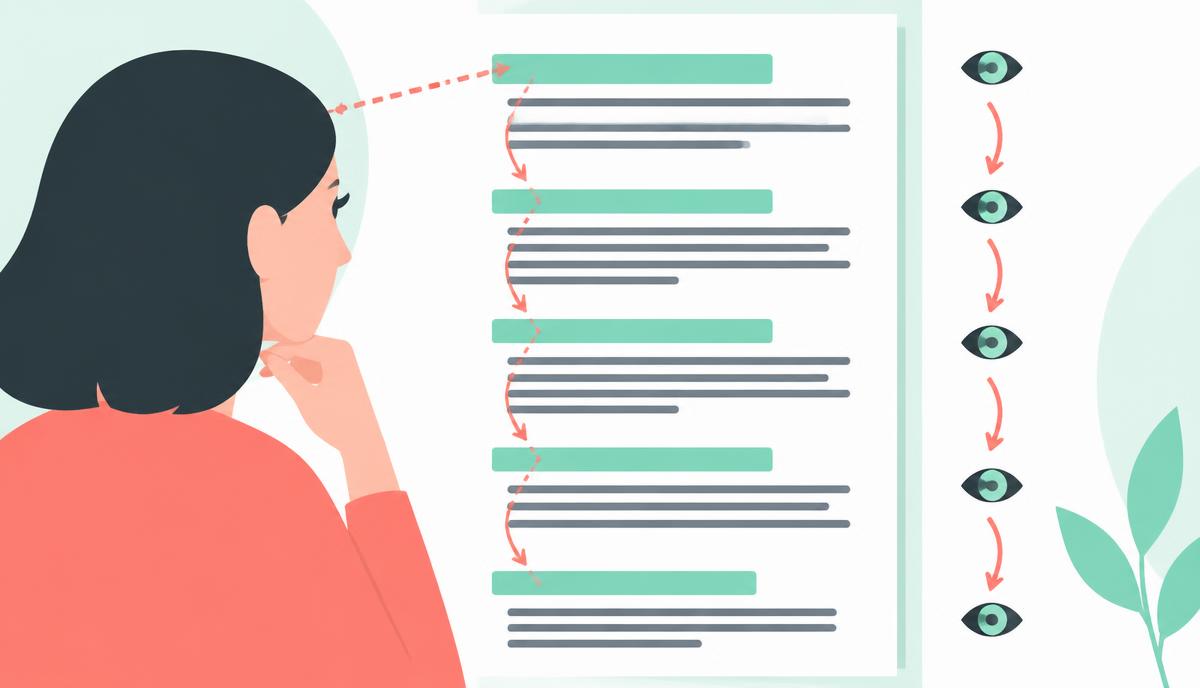
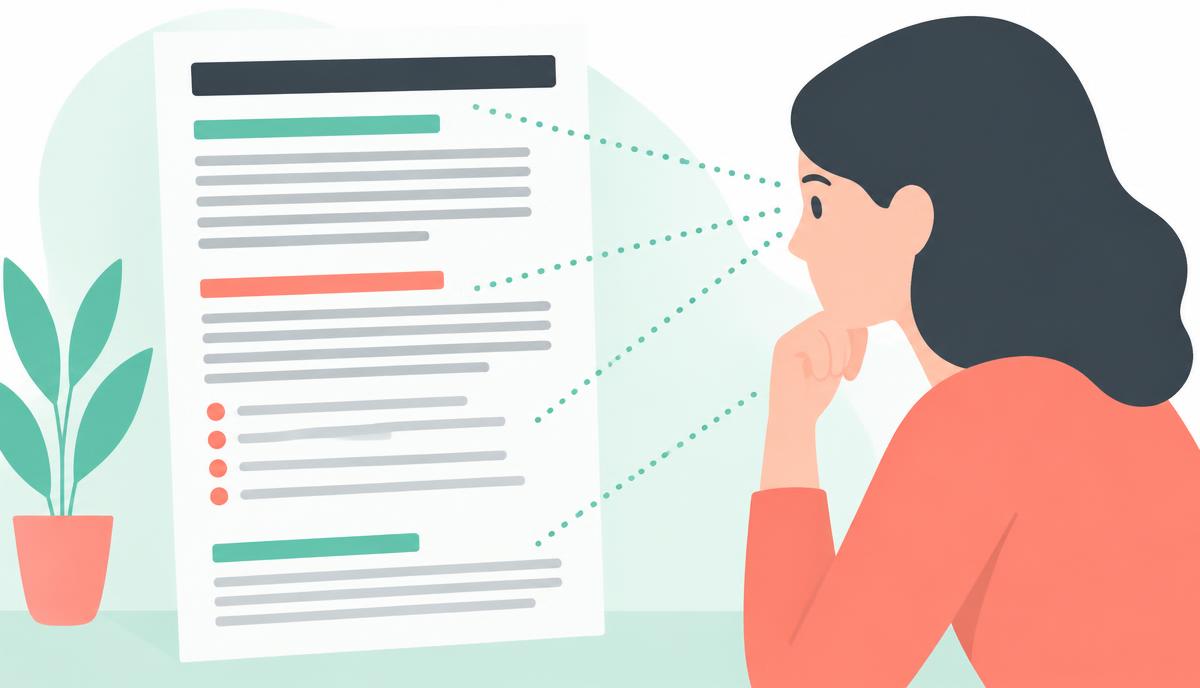
Most readers scan a page's headings and first sentences before deciding whether to read in full. This means every H2 needs to work as a standalone signpost — a reader skimming just the headings should be able to reconstruct the article's argument. Vague headings like 'Considerations' or 'Other factors' fail this test; specific headings like 'Budget constraints under £5,000' pass it.
Open each section with the direct answer or key point, then support it with explanation and examples. This 'answer-first' structure, sometimes called the inverted pyramid, respects the scanning reader while still rewarding the reader who continues into the detail.
Heading hierarchy for search engines
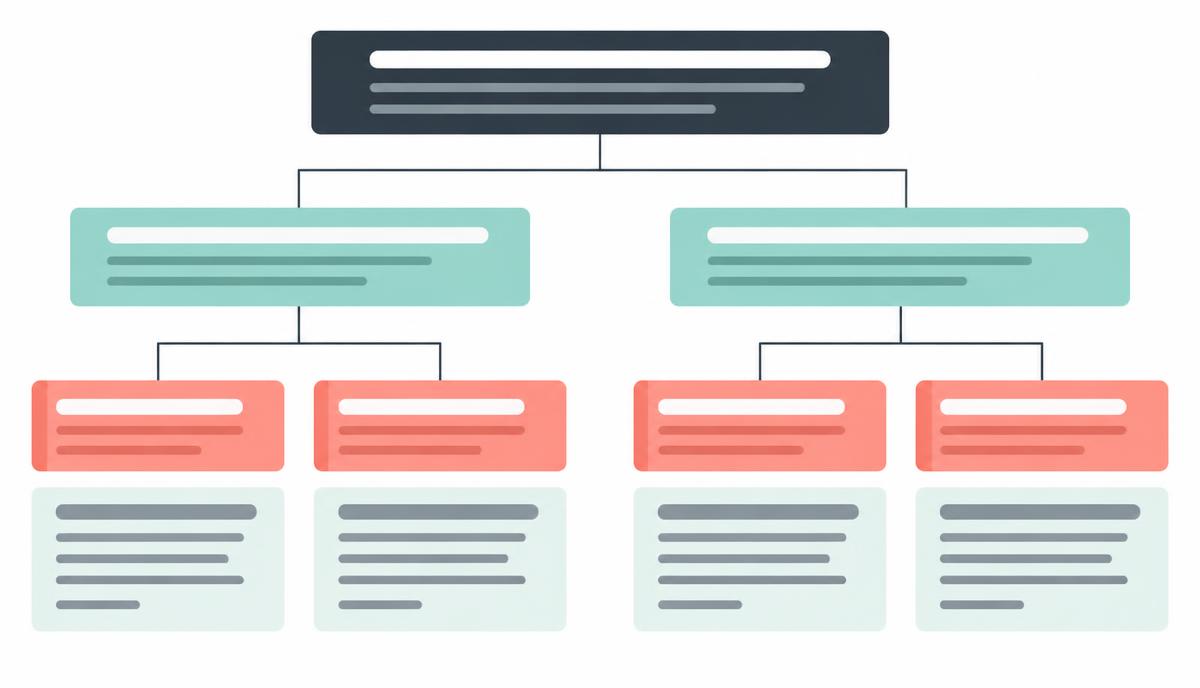
Use exactly one H1 per page, matching the primary keyword and title tag. Use H2s for main sections and H3s for subsections within them — never skip a level (H1 straight to H3) as this confuses both accessibility tools and how search engines parse topical structure. Each H2 should ideally reflect a distinct subtopic or question a reader has, mirroring how the piece was outlined in the brief.
Featured snippets and AI answer boxes are frequently pulled directly from a well-formed heading paired with a concise, direct paragraph beneath it. Structuring content this way is not just about readability — it is one of the more reliable ways to win snippet placement without extra work.
Formatting elements that improve dwell time
Break up long blocks of text with bullet lists for anything that is genuinely a list (steps, options, criteria), bolding for key terms a scanner's eye should catch, and short paragraphs of three to four sentences maximum. Tables work well for comparing multiple items across the same attributes — pricing, feature sets, pros and cons.
Add a table of contents with jump links for any article over roughly 1,500 words, particularly comprehensive guides. This reduces the perceived length of a long piece and lets returning readers jump straight to the section they need, which measurably improves time-on-page and reduces bounce.
One H1, hierarchical H2s and H3s, no skipped levels
Answer-first paragraphs under every heading
Bullets for genuine lists, tables for comparisons
Table of contents with jump links for long-form guides
Paragraphs capped at three to four sentences
Why this lesson matters
Neglecting effective content structure directly impacts your bottom line. Imagine a potential customer landing on your meticulously researched product comparison page. If it’s a wall of text, or the key differences are buried under generic headings, they’ll bounce. This isn't just a lost conversion; it signals to search engines that your content isn't providing a good user experience, potentially damaging your organic visibility for high-intent commercial queries and eroding trust in your brand as an authority.
Conversely, a well-structured page, with clear headings and digestible sections, guides the reader effortlessly towards understanding and conversion. This improved engagement lowers bounce rates, increases dwell time, and boosts conversions, which are positive signals that search engines value. By making your content accessible and easy to digest, you not only satisfy user intent but also provide search engine crawlers with a clear roadmap, reinforcing your topical authority and improving ranking potential for competitive terms.
Structuring for Featured Snippets
Optimising content structure specifically for featured snippets involves more than just using H1-H6 tags; it requires anticipating the exact question a user might ask and answering it concisely within a logically organised segment. Search engines often pull direct answers, lists, or tables from pages to populate these coveted SERP positions. Therefore, structuring your content to clearly present these snippet-worthy elements, typically immediately following a related H2 or H3, significantly increases your chances of capturing that prime visibility.
To achieve this, consider the common query types that generate snippets: 'what is', 'how to', 'best X for Y', and 'list of'. Each demands a distinct structural approach. For 'what is' queries, a direct, one-paragraph definition under a matching heading works best. For 'how to', a numbered list of steps. For comparisons, a table structure is ideal. Aligning your internal structure to these answer formats directly signals to Google that your content is a prime candidate for a featured snippet, driving substantial organic traffic.
Key structural considerations for snippets:
Define terms concisely right after an H2/H3.
Use ordered lists (OL) for sequential steps or instructions.
Employ tables for comparative data or multiple attributes.
Ensure headings clearly state the question being answered.
Do it now
Open your RankWriter project for the content brief you completed last week. Your task now is to apply the principles of effective content structure directly to your draft. Focus on implementing a logical heading hierarchy, ensuring each section serves a clear purpose for both the scanning reader and search engine crawlers. Remember to use formatting elements discussed previously to enhance readability and engagement within these new sections.
Review your draft's existing H1 and H2 structure for logical flow and keyword relevance.
Identify at least three opportunities to break down longer paragraphs into sub-sections using H3 or H4 tags.
Ensure each heading accurately reflects the content that follows, guiding the reader and crawler.
Check that key information is easily scannable and not buried deep within large blocks of text.
Key takeaways
Make every H2 a standalone signpost of the section's content
Never skip heading levels in the hierarchy
Lead each section with the direct answer, then explain
Add a jump-link table of contents to guides over 1,500 words