
Scaling Monitoring and Technical Audits
Bulk Technical SEO Automation Audit Thousands of Pages Fast
How to automate technical audits across large sites, prioritising issues that affect the most pages or the most valuable pages first.
Want to earn a Rankar Academy certificate?
This lesson is free to read in full, with nothing to sign up for. Join the Academy to track your learning, complete courses and sit the certification assessment.
Join the Academy →AI discovery model
AI & Automation in SEO · Scaling Monitoring and Technical Audits
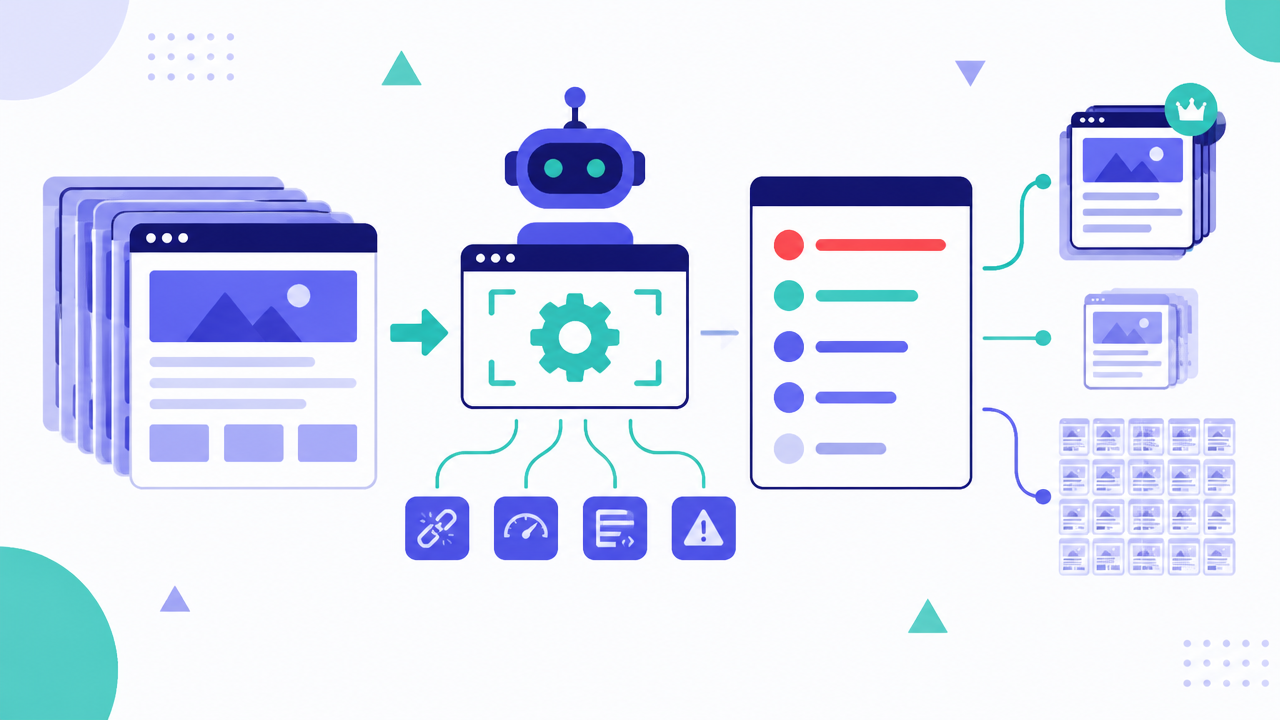
Stage 1
manual audits don't scale
Stage 2
Running and interpreting a bulk
Stage 3
Automating this in RankAIO
Why manual audits don't scale
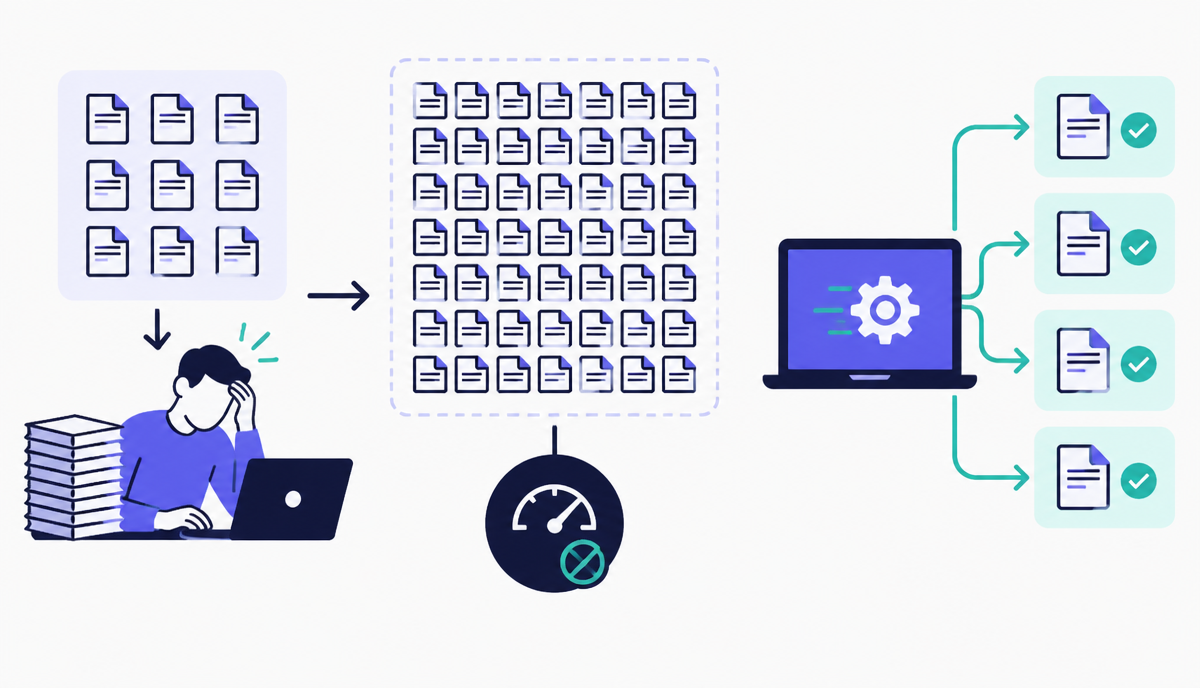
Spot-checking twenty pages by hand tells you nothing reliable about a site with fifty thousand URLs - issues like missing canonical tags or broken structured data often affect specific templates, and a manual sample will either miss the affected template entirely or over-represent it. A crawl-based audit checks every URL against the same rule set, giving you an accurate picture of scale.
The output of a bulk audit is only useful if it's prioritised. A raw list of ten thousand issues is as paralysing as no audit at all - the skill is in grouping by template and impact so the team fixes the one broken template causing nine thousand of those issues, rather than working through URLs one at a time.
Running and interpreting a bulk crawl
Crawl the full site (or a representative sample for very large sites) and export results grouped by URL pattern or template rather than as a flat list. Look first at issues affecting more than 5% of crawled pages - these are almost always template-level bugs, not one-off content mistakes, and fixing the template fixes every affected page in one deployment.
Cross-reference technical issues against traffic or ranking value before prioritising fixes - a broken canonical on a thousand pages that get no traffic matters less than the same issue on fifty pages that drive significant revenue. Technical severity and business impact are not the same ranking.
- Group crawl results by template/URL pattern, not as a flat list
- Flag any issue affecting more than 5% of pages as likely template-level
- Cross-reference issues against traffic/revenue value before prioritising
- Re-crawl after each template fix to confirm resolution at scale
Automating this in RankAIO
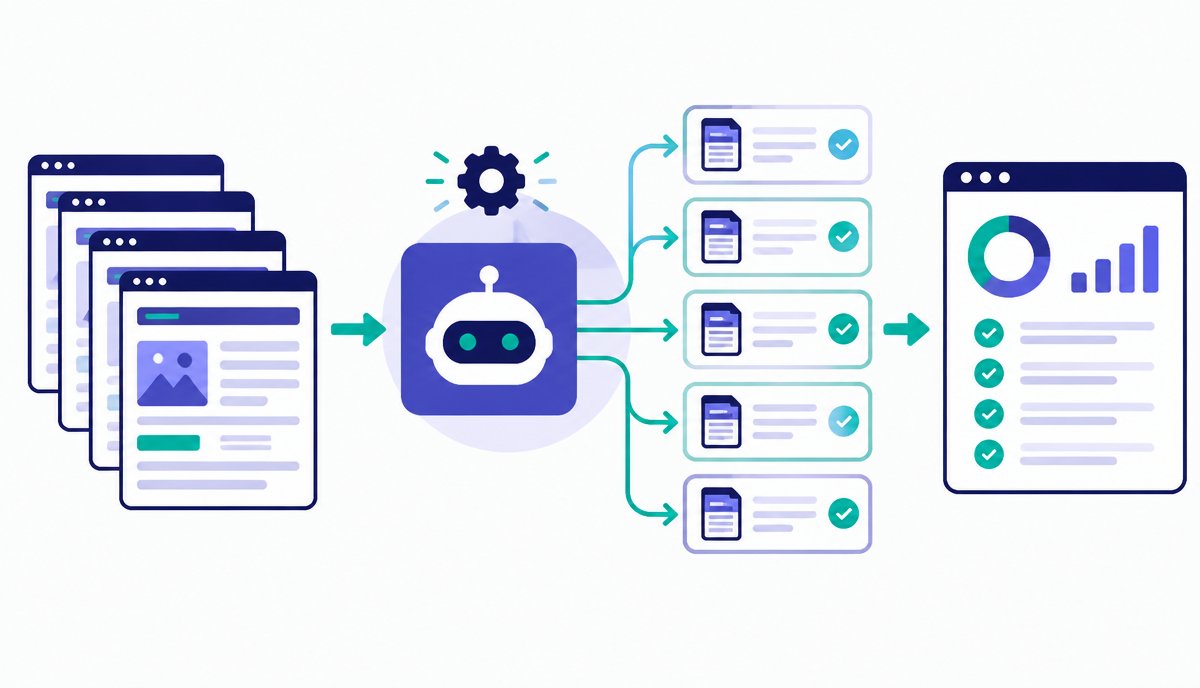
RankAIO's bulk crawler can audit thousands of URLs against a fixed technical checklist and automatically groups findings by template. Schedule a recurring crawl (weekly for high-change sites, monthly otherwise) so new issues surface automatically rather than being discovered only when someone happens to notice a ranking drop.
Why this lesson matters
Neglecting bulk technical SEO audits often leads to substantial revenue loss, especially for e-commerce sites or publishers with vast content libraries. Imagine a large retailer with 50,000 product pages. If a critical technical issue, such as a JavaScript rendering block, affects even 10% of those pages, Googlebot might fail to index product specifications or pricing. This results in these products not appearing in search results, directly translating to millions in missed sales opportunities monthly. Manual identification of such widespread issues is practically impossible, making automation a direct determinant of profitability.
Beyond direct revenue, unaddressed large-scale technical problems erode organic visibility and brand authority over time. Consider a news outlet with millions of articles. If a canonical tag implementation error leads to duplicate content penalties across 20% of their archive, Google's algorithms will struggle to ascertain the authoritative version, diminishing overall site quality signals. This can reduce crawl budget efficiency, lower organic rankings for long-tail keywords, and ultimately cede market share to competitors who maintain a cleaner technical footprint. Automated bulk audits are the only scalable defence against such persistent, insidious decay.
Prioritising Remediation: The Value/Impact Matrix
Once a bulk crawl identifies thousands of issues, the critical next step is not to fix everything simultaneously, but to prioritise strategically. A common mistake is to address issues based solely on the number of affected pages. Instead, map each issue type against the business value of the affected pages. For example, a broken internal link on 500 low-traffic blog posts might be less critical than a missing canonical tag on 5 high-converting product category pages. This Value/Impact Matrix helps allocate developer resources where they will yield the greatest immediate SEO and business return, preventing teams from getting bogged down in low-impact fixes.
To operationalise this, export your crawl data, ensuring it includes URL-level metrics like organic traffic, conversion rate, or revenue. Then, cross-reference this with the technical issues identified. Tools can often enrich this data, but the core principle is to rank issues by their potential uplift, not just their prevalence. A common scenario is finding widespread but minor `alt` text issues alongside a handful of critical `noindex` tags on money-making pages. Without a value-based approach, the team might mistakenly focus on the `alt` text, leaving significant revenue on the table. This methodology ensures you're always fixing the right problems first.
Specific data points to consider for prioritisation:
Organic sessions (last 30/90 days) per URL.
Conversion rate/revenue per URL (for e-commerce/lead gen).
Page depth and internal link equity passing to/through affected URLs.
Search intent of keywords ranking for affected URLs (informational vs. transactional).
Do it now
Take a specific technical issue identified in your RankAIO crawl data – for example, `Broken Internal Links` – and select 50 pages affected by it. Your immediate task is to enrich this dataset with business value metrics from your analytics platform. This practical step demonstrates the Value/Impact Matrix in action, moving beyond just raw issue counts.
- In RankAIO, navigate to your recent bulk crawl and filter for a specific technical issue affecting a significant number of pages.
- Export the URLs of the top 50 pages impacted by this issue.
- Cross-reference these URLs with your Google Analytics or similar platform to retrieve organic traffic and conversion data for each page.
- Rank these 50 URLs based on their combined organic traffic and conversion potential, identifying the top 5 pages that represent the highest business impact for remediation.
Key takeaways
- Group findings by template, not as a flat URL list
- Treat issues affecting 5%+ of pages as template-level bugs
- Prioritise fixes by business value, not just technical severity
- Schedule recurring bulk crawls rather than one-off audits
Track how AI assistants mention and cite your brand, prompts, citations and visibility trends.