
Scaling Monitoring and Technical Audits
Automated Rank Monitoring Alerts Before Rankings Drop
How to configure rank tracking alerts that catch real problems early without drowning you in noise from normal daily fluctuation.
Want to earn a Rankar Academy certificate?
This lesson is free to read in full, with nothing to sign up for. Join the Academy to track your learning, complete courses and sit the certification assessment.
Join the Academy →Performance model
AI & Automation in SEO · Scaling Monitoring and Technical Audits
Stage 1
Signal versus noise in rank
Stage 2
Configuring useful alerts
Stage 3
Setting this up in RankAIO
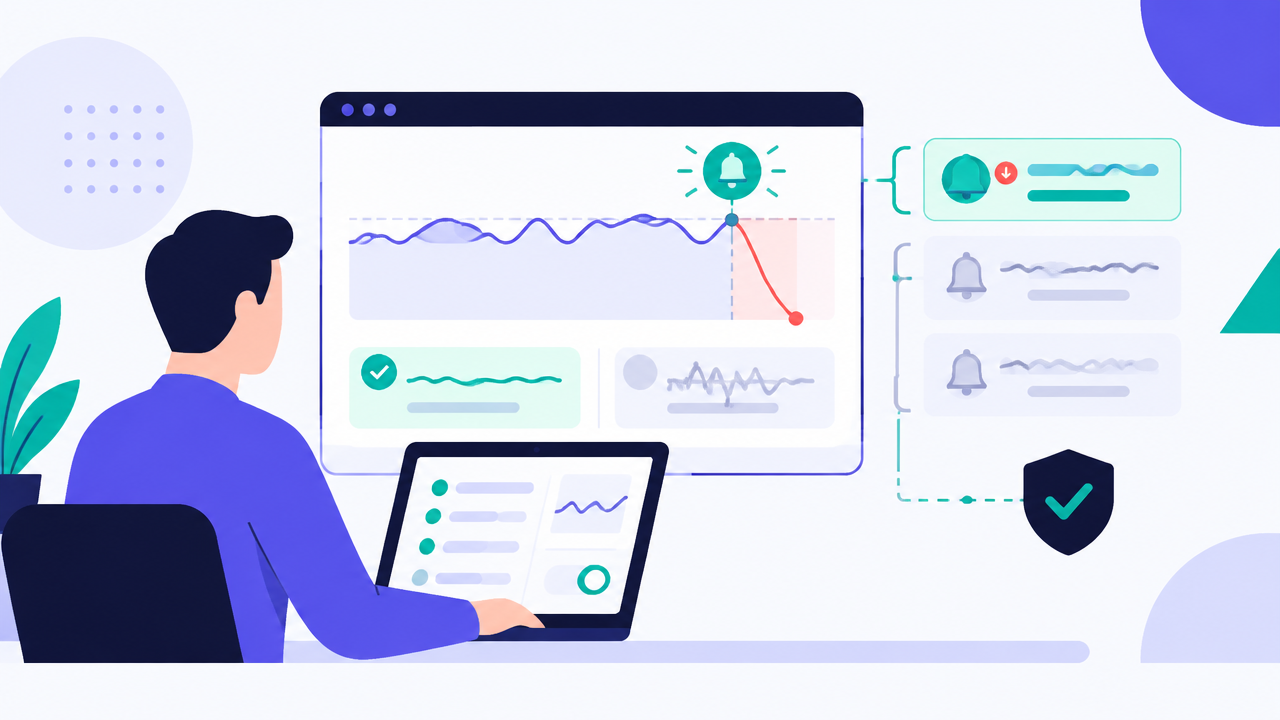
Signal versus noise in rank tracking
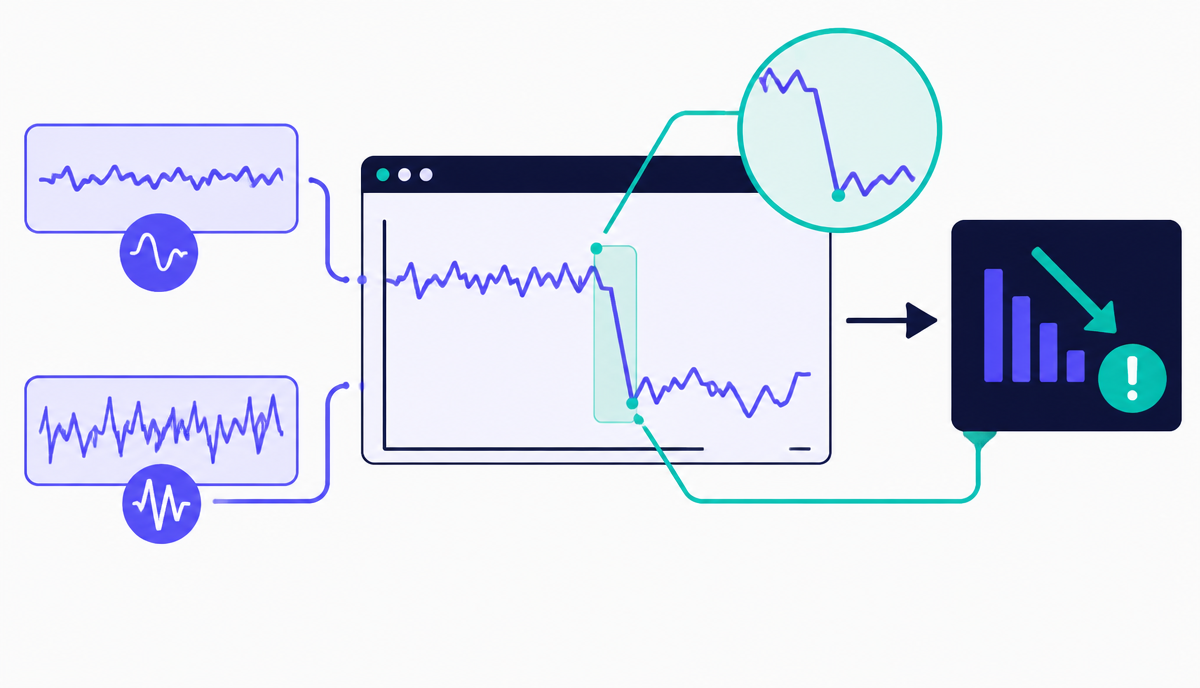
Rankings fluctuate day to day even with no changes to your site or Google's algorithm - this is normal variance from personalisation, data centre differences, and testing. An alert system that fires on every one or two position change becomes noise that gets ignored, which defeats the purpose of having alerts at all.
Set alert thresholds based on magnitude and duration together: a drop of five or more positions sustained for at least two consecutive checks is a meaningful signal; a single-day two-position wobble is not. This combination filters out the vast majority of normal noise while still catching real problems quickly.
Configuring useful alerts
Segment your alerts by keyword importance - your top 20 revenue-driving terms deserve tighter thresholds and faster notification than your long-tail list of five hundred tracked keywords, where a wider threshold prevents alert fatigue. Route alerts to a channel someone actually checks (a dedicated Slack channel or a filtered email folder) rather than a general inbox where they get buried.
Pair ranking alerts with a note field capturing anything that changed around the same date - a deployment, a content update, an algorithm update announcement - so when an alert fires you have immediate context rather than starting an investigation from zero.
- Tier 1 (top 20 keywords): alert on 3+ position drop, sustained 2+ days
- Tier 2 (rest of tracked list): alert on 5+ position drop, sustained 3+ days
- Route alerts to a monitored channel, not a general inbox
- Log site changes alongside alerts for fast root-cause checks
Setting this up in RankAIO
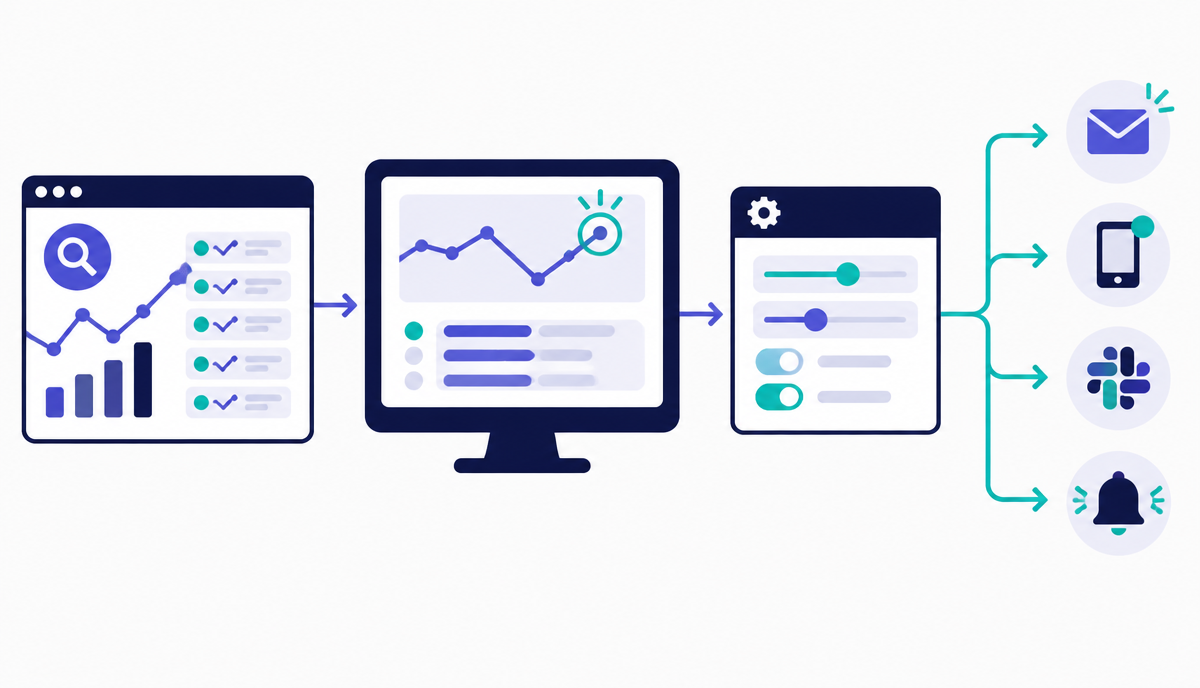
RankAIO's alert configuration lets you set per-keyword or per-group thresholds and choose notification channels. Set your top 20 keywords to tight thresholds first, confirm the alert volume feels manageable for a week, then extend to your broader keyword set with wider thresholds - starting narrow avoids the common mistake of over-alerting on day one and disabling the whole system out of frustration.
Why this lesson matters
Neglecting early warning systems for ranking fluctuations can lead to significant, preventable losses. Consider a high-value transactional keyword, perhaps a key product category page, where a 5-position drop from #2 to #7 might not seem catastrophic on its own. However, if this shift is due to a technical rendering issue, an accidental noindex tag, or an unexpected canonicalisation change, and it goes unnoticed for weeks, the cumulative impact on organic traffic and revenue can be substantial. By the time human-driven analytics catches the decline, the recovery effort becomes more complex and the missed conversion opportunities are irretrievable.
Conversely, an effective, intelligently configured alert system transforms potential crises into minor operational adjustments. Imagine receiving an immediate notification when your core 'service page' keyword dips below position 3, specifically triggering an alert only if the change persists for 24 hours and affects 30% of its tracked sub-keywords. This allows the SEO team to swiftly investigate the cause – perhaps a competitor launched a new, aggressively optimised page, or a recent site update introduced a subtle rendering bug affecting mobile users – enabling a proactive response, such as content refresh, technical fix deployment, or competitive analysis, before the ranking stabilises at a lower, less profitable position.
Refining Alert Logic: Percentage Thresholds vs. Absolute Changes
A common pitfall in alert configuration is relying solely on absolute position changes, leading to excessive noise. A 3-position drop from #1 to #4 for a highly competitive head term is significantly more impactful than a 3-position drop from #85 to #88 for a long-tail query. To counter this, advanced alert logic should incorporate percentage-based thresholds relative to the current position, or even traffic-weighted importance. For instance, an alert might trigger for a 1-position drop if the keyword is in positions 1-3, but require a 5-position drop if it's in positions 10-20, reflecting the diminishing returns and higher natural volatility at lower ranks. This ensures your attention is drawn to changes that truly matter.
Furthermore, consider integrating a concept of 'impact zones' into your alerting strategy. Define critical zones, such as positions 1-3 (high impact), 4-10 (medium impact), and 11-20 (monitoring zone). An alert should not only report a position change but also whether that change crosses an impact zone boundary. For example, a keyword moving from position 3 to 4 (crossing the high-to-medium impact boundary) warrants a higher priority alert than one moving from position 8 to 9. This layered approach helps differentiate between minor fluctuations within a zone and significant shifts that demand immediate tactical review.
Common mistakes:
Setting uniform position change thresholds across all keywords.
Ignoring keyword search volume or business value in alert prioritisation.
Failing to account for the natural volatility of specific SERPs.
Overlooking alerts for keywords moving *into* lower, less visible positions.
Do it now
Immediately navigate to RankAIO's alert configuration section and begin prototyping a new, refined alert rule. Focus on one of your top 10 most critical keywords or keyword groups identified by business value, and apply the principles discussed regarding percentage thresholds or impact zones. This hands-on exercise will solidify your understanding of how to translate conceptual alert logic into actionable settings within the platform, setting the foundation for scalable, intelligent monitoring.
Action steps:
1. Select a high-value keyword or cluster in RankAIO's project dashboard.
2. Access the 'Alerts' tab for that specific keyword or project.
3. Configure a new alert using 'Advanced' settings, moving beyond simple absolute position drops.
4. Set up a 'daily' frequency for evaluation and consider a 'persistent change' condition to filter out daily noise.
Key takeaways
- Alert on magnitude AND duration together to filter normal noise
- Use tighter thresholds for top keywords, wider for long-tail
- Route alerts to a channel people actually monitor
- Log site changes alongside alerts to speed up root-cause analysis
Create a project, add keywords page by page, read positions, SERP features, share of voice and competitor gaps.
Track how AI assistants mention and cite your brand, prompts, citations and visibility trends.