
Research and Reporting Automation
Python for SEO Your First Automation Scripts No Experience R
An approachable introduction to using Python for repetitive SEO tasks, aimed at people who have never written code before.
Want to earn a Rankar Academy certificate?
This lesson is free to read in full, with nothing to sign up for. Join the Academy to track your learning, complete courses and sit the certification assessment.
Join the Academy →Performance model
AI & Automation in SEO · Research and Reporting Automation
Stage 1
Python, and why bother
Stage 2
Your first script
Stage 3
Where to go next

Why Python, and why bother
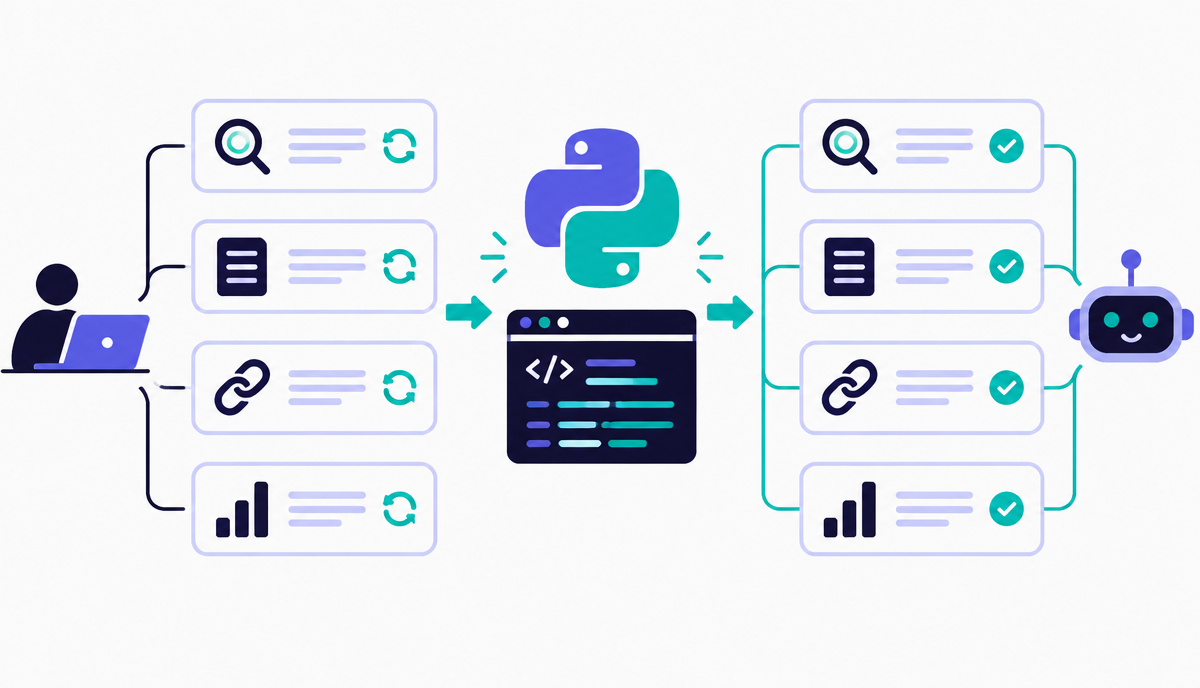
Python is the default language for SEO automation because it has mature, well-documented libraries for exactly the tasks SEOs repeat: reading and writing spreadsheets (pandas), fetching web pages (requests), parsing HTML (BeautifulSoup), and talking to APIs (Search Console, most rank trackers). You don't need a computer science background - most useful SEO scripts are under fifty lines.
The return on learning even basic Python is high because SEO work is full of tasks that are simple in logic but tedious in volume: checking three thousand URLs for a broken title tag, comparing two crawl exports, or pulling the same report from an API every week. A script that takes an afternoon to write can save days over a year.
Your first script: a redirect checker
A realistic first project is a script that reads a list of URLs from a spreadsheet, requests each one, and records the final status code and destination after redirects - a task that's mind-numbing by hand at more than about twenty URLs. The core logic is only a handful of lines: loop through the list, make a request, read the response, write the result.
Don't aim for elegant code on your first attempt; aim for correct output. Run it on ten URLs you already know the answer for, confirm the results match, then scale up to your full list. This test-on-known-data step catches silent errors that are much harder to spot once you're running against thousands of URLs.
- Install Python and the 'requests' and 'pandas' libraries
- Read a column of URLs from a CSV with pandas
- Loop through, request each URL, capture status code and final URL
- Write results back to a new CSV column
- Test on 10 known URLs before running on the full list
Where to go next
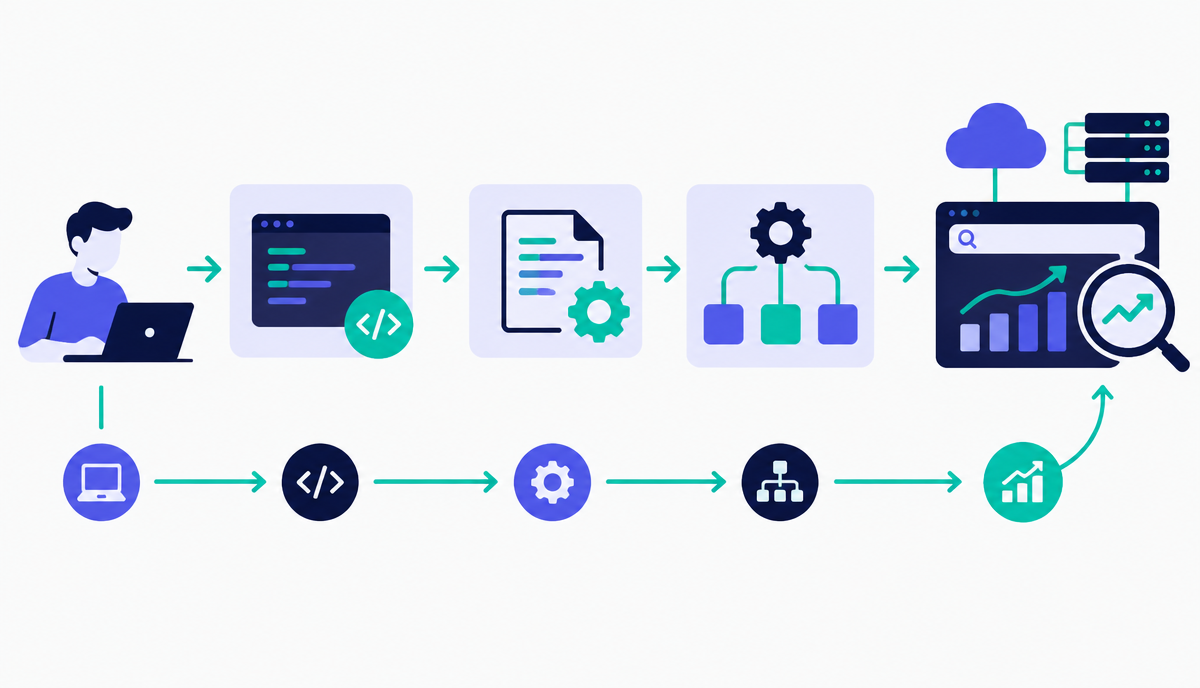
Once the redirect checker works, the same pattern - loop, request, extract, write - covers a huge share of SEO automation: title tag length checks, broken internal link detection, schema markup validation, and bulk API pulls. Learn this one pattern well before reaching for more advanced libraries; it will carry you through most of the automation work covered later in this module.
Why this lesson matters
Neglecting foundational automation, even at this introductory level, directly impacts resource allocation and competitive advantage. Imagine a scenario where a competitor automates their content brief generation by pulling keyword data, SERP features, and competitor headings, while your team still performs these tasks manually. Their content team gets briefs faster, publishes more efficiently, and iterates quicker. This efficiency gap translates to a significant difference in content velocity and, ultimately, organic visibility, as they outpace your ability to capture search intent and ranking opportunities.
Conversely, mastering simple scripts frees up significant time for strategic SEO work. Consider a business with thousands of product pages. Manually checking for broken internal links or incorrect canonical tags is an ongoing, resource-intensive chore. A basic Python script that crawls and flags these issues immediately converts a reactive, labour-intensive task into a proactive, automated check. This directly mitigates ranking penalties, improves crawl efficiency, and enhances user experience, all of which contribute to stronger organic performance and a healthier bottom line.
Avoiding Common Pitfalls in Your First Scripts
As a beginner, a common pitfall is overcomplicating your initial scripts. The temptation to build a robust, error-handling masterpiece from day one can lead to frustration and abandonment. Instead, focus on single, atomic tasks. For instance, rather than building a full-fledged site auditor, start with a script that just checks a list of URLs for 404s. Embrace iterative development; get a basic version working, then consider adding error handling, command-line arguments, or more sophisticated output formats later. This approach ensures early successes and builds confidence, which is crucial for continued learning.
Another frequent mistake is neglecting to structure your code or add comments, even for short scripts. While a 10-line script might seem self-explanatory today, revisiting it in a month – or having a colleague attempt to understand it – will highlight the immediate need for clarity. Simple comments explaining complex logic, variable names that clearly describe their purpose, and even blank lines to separate logical blocks vastly improve readability and maintainability. This practice prevents wasted time deciphering your own work and fosters good habits for more complex projects down the line.
- Avoid trying to solve all problems in one script; start small.
- Always add comments to explain non-obvious code sections.
- Use descriptive variable names, even for short scripts.
- Test your script on a small, controlled dataset first.
Do it now
Before proceeding, take a moment to conceptualise one repetitive SEO task you currently perform manually that involves processing a list of URLs or keywords. Think about how a simple script, perhaps pulling data from RankAIO’s API or processing a CSV export, could automate just one small part of that task. This immediate application helps cement the concepts we’ve discussed and directly relates to your day-to-day work.
- Identify a repetitive, manual SEO task in your workflow.
- Break it down into the smallest possible automated step.
- Consider what input (e.g., a URL list, a keyword CSV) it would need.
- Mentally map out how a Python script could perform that step.
Key takeaways
- You don't need a CS background - most useful scripts are under 50 lines
- Learn the loop-request-extract-write pattern; it covers most SEO automation
- Always test a new script against known data before running it at scale
- Start with a redirect checker as a realistic, low-risk first project