
Research and Reporting Automation
Automated SEO Reporting Build a Dashboard That Updates Itsel
How to design a reporting pipeline that pulls rankings, traffic, and technical health automatically instead of being rebuilt by hand every week.
Want to earn a Rankar Academy certificate?
This lesson is free to read in full, with nothing to sign up for. Join the Academy to track your learning, complete courses and sit the certification assessment.
Join the Academy →Performance model
AI & Automation in SEO · Research and Reporting Automation
Stage 1
manual reporting breaks down
Stage 2
What belongs on the dashboard
Stage 3
Automating it with RankAIO
Why manual reporting breaks down
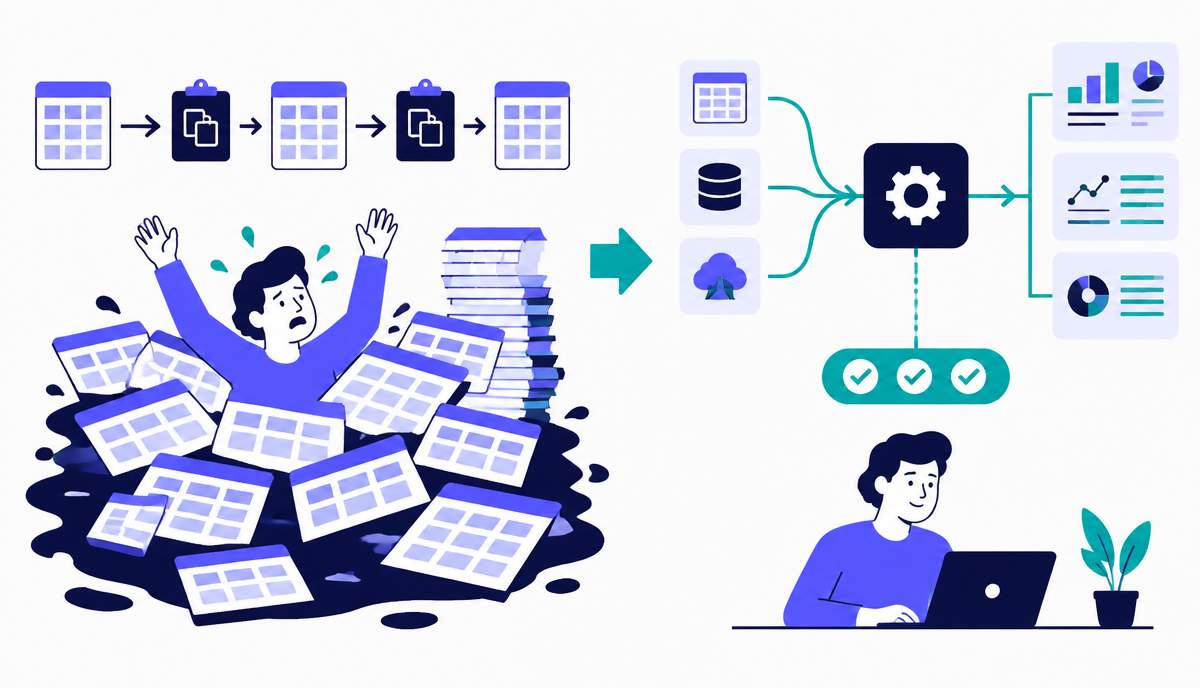
Manual reporting fails predictably: someone forgets to update the sheet, definitions drift between reports so month-on-month comparisons become meaningless, and the time spent copying numbers is time not spent acting on them. The fix isn't a better spreadsheet template, it's removing the manual copy step entirely.
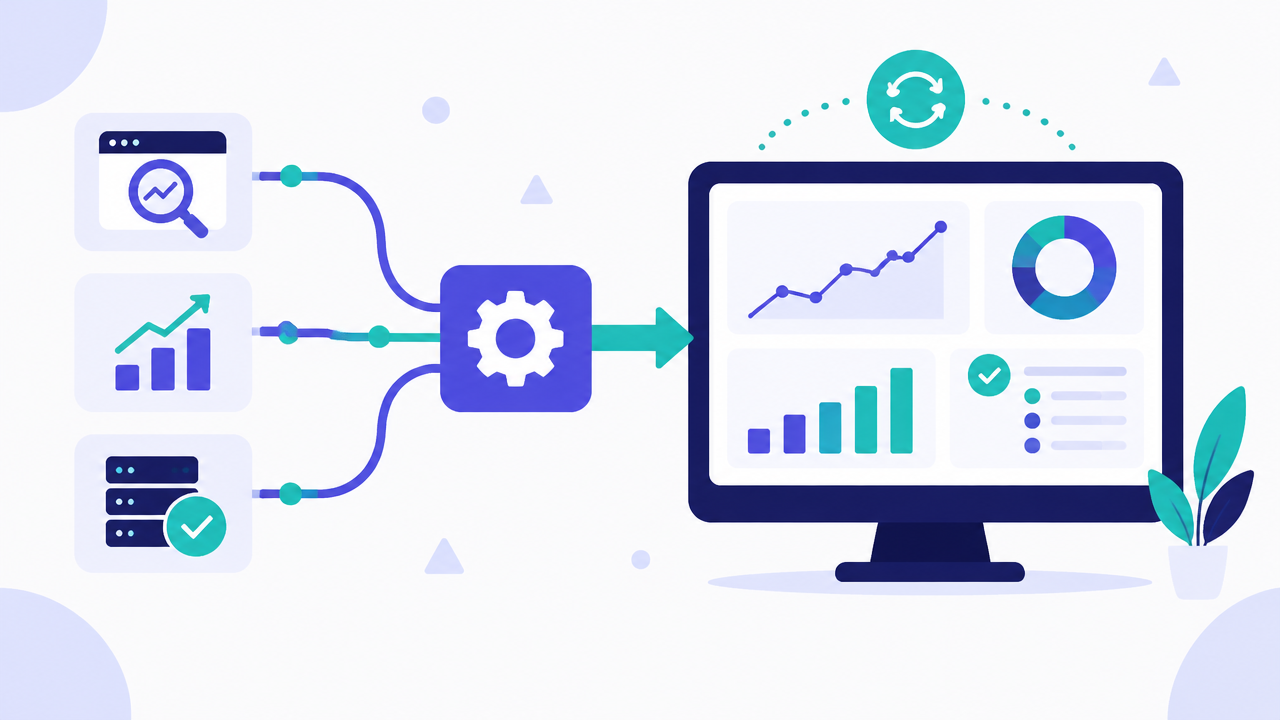
An automated dashboard pulls from source APIs (Search Console, analytics, your rank tracker) on a schedule, applies a fixed set of calculations, and renders the same layout every time - so the only work left for a human is interpretation, not data entry.
What belongs on the dashboard
Keep it to a small set of metrics that map directly to business goals: organic sessions and conversions, ranking movement for tracked priority keywords, indexation status, and Core Web Vitals pass rate. Resist the temptation to show everything available - a dashboard with forty metrics gets ignored, one with six gets checked weekly.
Add one comparison column (week-on-week or month-on-month) to every metric so trend is visible at a glance without requiring the reader to remember last period's number.
- Organic sessions and goal completions, trended
- Priority keyword rank movement (not all keywords, just the top 20-30)
- Indexed vs submitted page count
- Core Web Vitals pass rate
- One flagged anomaly or action item per period
Automating it with RankAIO
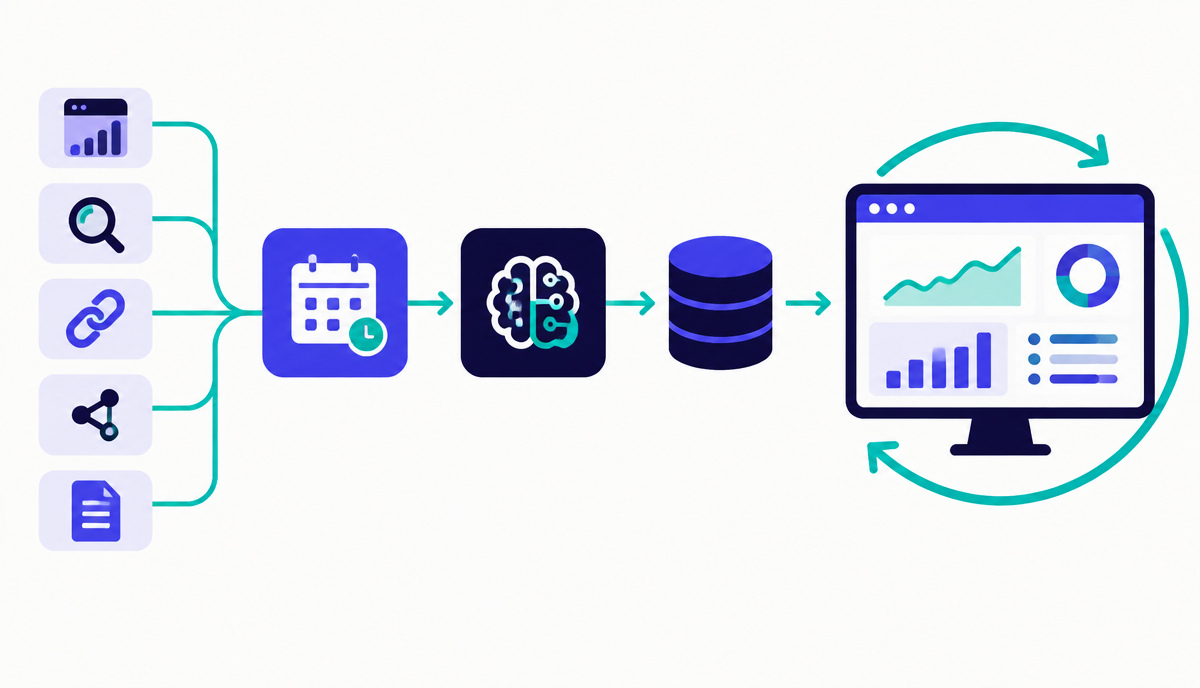
RankAIO can schedule a recurring report that pulls live ranking and technical data and emails a formatted summary on a cadence you set. Configure it once with your priority keyword set and site, and treat the manual reporting process you had before as fully replaced - if you're still copying numbers into a deck by hand, the automation isn't finished.
Why this lesson matters
Neglecting automated reporting perpetuates a reactive SEO strategy, leading to missed opportunities and suboptimal resource allocation. Imagine a scenario where a critical drop in non-brand organic traffic goes unnoticed for days because the monthly report is still being manually collated. By the time the issue is identified and investigated, market share has eroded, competitors have gained ground, and recovery becomes significantly more costly and time-consuming. This delay directly impacts business objectives, manifesting as lost revenue, diminished brand visibility, and a compromised return on SEO investment.
Conversely, implementing a robust automated reporting pipeline fosters a proactive, data-driven approach. Daily or weekly dashboards that update themselves provide immediate visibility into performance fluctuations, allowing for rapid identification of anomalies, whether positive or negative. For instance, an unexpected surge in a long-tail keyword ranking can be leveraged instantly through content amplification or internal linking, capitalising on new opportunities before they cool off. This agility enhances decision-making, optimises campaign performance, and ensures SEO efforts are consistently aligned with real-time market dynamics and business goals, directly safeguarding and growing organic search presence.
Designing for Actionability: Beyond Vanity Metrics
A common pitfall in automated reporting is designing dashboards that merely present data without clear pathways to action. While it's tempting to pull every metric available, a truly effective automated report prioritises actionability. This means structuring the data to highlight trends, deviations, and comparative performance against benchmarks or previous periods, rather than just raw numbers. The goal is for a stakeholder to view the dashboard and immediately understand what needs attention or what opportunities are emerging, without requiring an additional interpretative layer from an SEO specialist. This shifts the focus from data presentation to strategic insight generation.
Achieving actionability requires careful consideration of audience, business objectives, and the specific metrics that directly correlate with desired outcomes. For example, rather than just showing total organic traffic, break it down by new vs. returning users, or by landing page category, highlighting which content types are driving growth or decline. Incorporate year-on-year comparisons and month-on-month deltas for key performance indicators. The automated system should not just fetch data; it should present it in a context that facilitates informed decisions and prompts specific follow-up tasks, such as content updates, technical audits, or backlink outreach.
- Segment traffic data by intent or funnel stage.
- Display ranking volatility alongside position changes.
- Integrate competitor performance metrics for context.
- Include custom alerts for significant threshold breaches.
Do it now
Your immediate task is to begin configuring the automated ranking update within RankAIO. This establishes the bedrock for an always-on reporting mechanism. Prioritise your most critical keyword sets and establish the update frequency that aligns with your campaign review cycles, ensuring the data is fresh and reliable for subsequent analysis and dashboard integration.
- Log into RankAIO and navigate to your primary project.
- Identify the top 10-15 revenue-driving or high-priority keywords.
- Set up daily rank tracking for these selected keywords.
- Verify the automated update schedule is active and correctly configured.
Key takeaways
- Remove manual copy-paste from reporting entirely, don't just template it
- Limit dashboards to 5-8 metrics that map to business goals
- Always show trend, not just a single snapshot number
- Schedule an automated report in RankAIO rather than rebuilding weekly
Track how AI assistants mention and cite your brand, prompts, citations and visibility trends.