
Timing and Structure
Pillar Pages Planning the Comprehensive Hub
A step-by-step method for planning a pillar page: scoping its coverage, structuring its sections, and deciding what belongs on the pillar versus what should become its own cluster page.
Want to earn a Rankar Academy certificate?
This lesson is free to read in full, with nothing to sign up for. Join the Academy to track your learning, complete courses and sit the certification assessment.
Join the Academy →Search journey
Keyword Research Mastery · Timing and Structure
Stage 1
Scoping what the pillar covers
Stage 2
Structuring the pillar page itself
Stage 3
Common pillar-page mistakes

Scoping what the pillar covers

Before writing, list every subtopic a genuine expert would expect a comprehensive guide on this subject to touch, then cut the list to the subtopics with independent search demand of their own — those become cluster pages — leaving the pillar to summarise each one briefly and link out. A pillar that tries to go deep on every subtopic itself becomes unreadably long and dilutes the specific ranking potential of each subtopic.
A good scoping test: if you can imagine someone searching for a subtopic on its own with real intent behind it, it deserves its own page rather than a paragraph buried in the pillar.
Structuring the pillar page itself
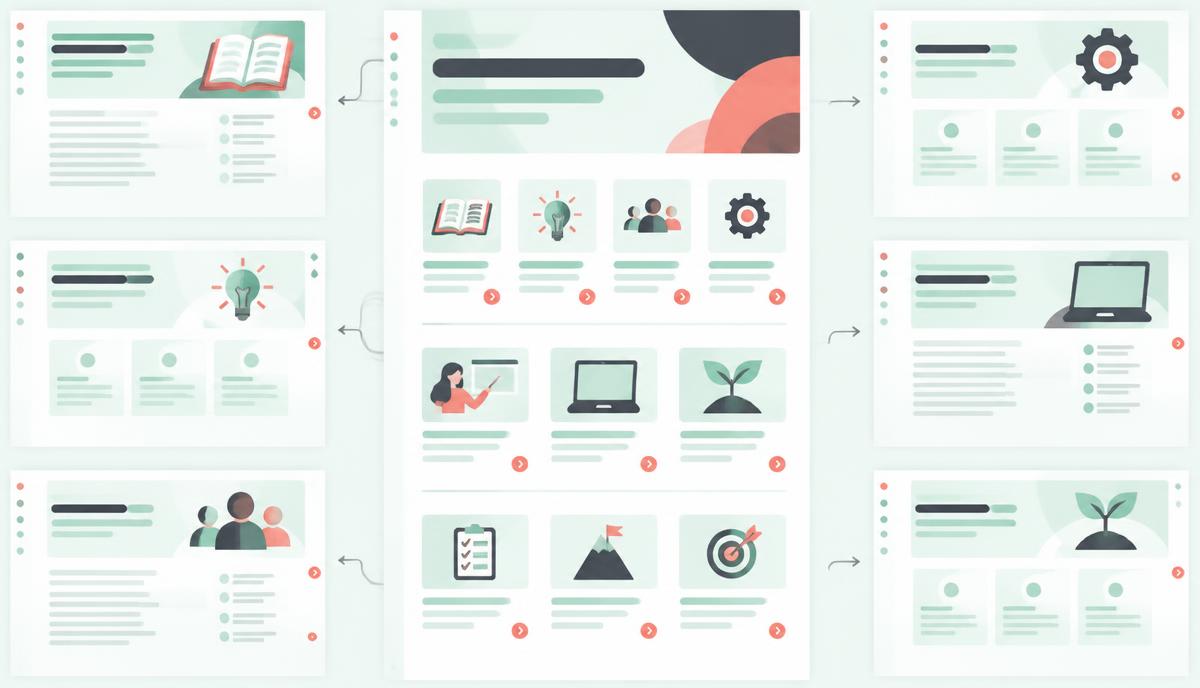
Open with a clear definition or framing of the topic in the first 100 words, since this is what both users and Google use to confirm relevance immediately. Follow with a logical, numbered or otherwise ordered set of H2 sections, each summarising one subtopic in 150-250 words with a clear link through to the full cluster page, and close with a practical next-step or summary section.
Definition/framing paragraph within the first 100 words
One H2 per subtopic, 150-250 words each, with a link to the full page
Logical ordering — beginner to advanced, or chronological, not random
A summary or 'where to start' section near the end
Table of contents with jump links for pillars over 2,000 words
Common pillar-page mistakes
The most frequent mistake is writing the pillar as a listicle of links with almost no original content of its own — this reads as thin to both users and Google. The second most frequent mistake is letting the pillar and a cluster page compete for the exact same keyword, which splits ranking signal between two URLs instead of concentrating it; keep the pillar targeting the broad head term and cluster pages targeting their specific subtopic terms only.
Planning the pillar inside RankTracker
Use the keyword cluster you built in RankTracker to draft the pillar's section list directly from the grouped subtopic keywords, ensuring nothing with meaningful independent volume is left uncovered. Assign the pillar's primary keyword as the tracked term for the hub URL, and monitor it separately from the cluster pages to judge whether the hub is accumulating authority as intended.
Why this lesson matters
Mastering pillar page planning is crucial because it directly impacts your domain's topical authority and search visibility. A well-planned pillar acts as a central hub for a broad topic, signalling to search engines your expertise. If done correctly, it consolidates link equity, improves internal linking structures, and significantly enhances organic traffic for numerous related long-tail queries. Without a clear plan, your pillar can become an unfocused, diluted page, failing to rank for its target high-volume terms and inadvertently competing with its own cluster content, thereby wasting valuable content creation resources.
Consider a scenario where an e-commerce business aims to dominate search for 'sustainable fashion'. Without meticulous pillar planning, they might create a generic overview page that lacks depth, causing it to be outranked by competitors with more robust, systematically structured hubs. Conversely, a carefully planned pillar outlining sections like 'ethical sourcing', 'eco-friendly materials', and 'circular fashion models', each linking to dedicated cluster pages, establishes a powerful knowledge base. This strategic approach drives higher conversions by attracting users at various stages of their buyer journey, solidifying the business's authoritative stance and trust with both users and search engines.
Determining Pillar vs. Cluster Content Depth
A critical decision in pillar planning is determining the appropriate depth of content for the pillar page itself versus what merits its own dedicated cluster page. The pillar should provide a comprehensive, high-level overview of the entire broad topic, introducing all key sub-topics without going into exhaustive detail on any single one. Its purpose is to signpost the user and search engine to more granular information available within the cluster. Think of the pillar as the table of contents and introduction for an entire book; it summarises chapters but doesn't reproduce their full text.
When a sub-topic requires more than a paragraph or two to explain adequately, or if it can answer multiple specific search queries on its own, it is a strong candidate for a dedicated cluster page. These cluster pages are where you deliver the deep dives, detailed guides, and specific answers. The pillar's role is then to succinctly introduce these concepts and provide a clear, context-rich internal link to the relevant cluster page. This intentional segmentation prevents content cannibalisation and ensures each page serves a distinct purpose within the topical authority model.
Key indicators for separate cluster pages:
It addresses multiple distinct user intents.
It requires extensive explanation (e.g., 800+ words).
It has significant search volume for specific long-tail keywords.
It can attract backlinks independently.
Do it now
Now that you understand the strategic importance of pillar page planning, open RankTracker and initiate the process for a new pillar page. Based on your target broad topic, brainstorm at least five high-level sections for your pillar, ensuring each section represents a distinct sub-topic that could eventually branch into a full cluster page. This initial structural outline is foundational for both content creation and ensuring comprehensive topical coverage.
Select a broad target topic for a new pillar page.
Brainstorm 5-7 main section headings that broadly cover this topic.
For each section, consider 2-3 potential sub-topics that would become separate cluster pages.
Note down the primary keyword you anticipate targeting for each of these potential cluster pages.
Key takeaways
Give independent-demand subtopics their own page rather than a paragraph
Open with a clear definition in the first 100 words
Keep the pillar and cluster pages targeting different keywords
Use the cluster's grouped keywords to draft the section list
Create a project, add keywords page by page, read positions, SERP features, share of voice and competitor gaps.